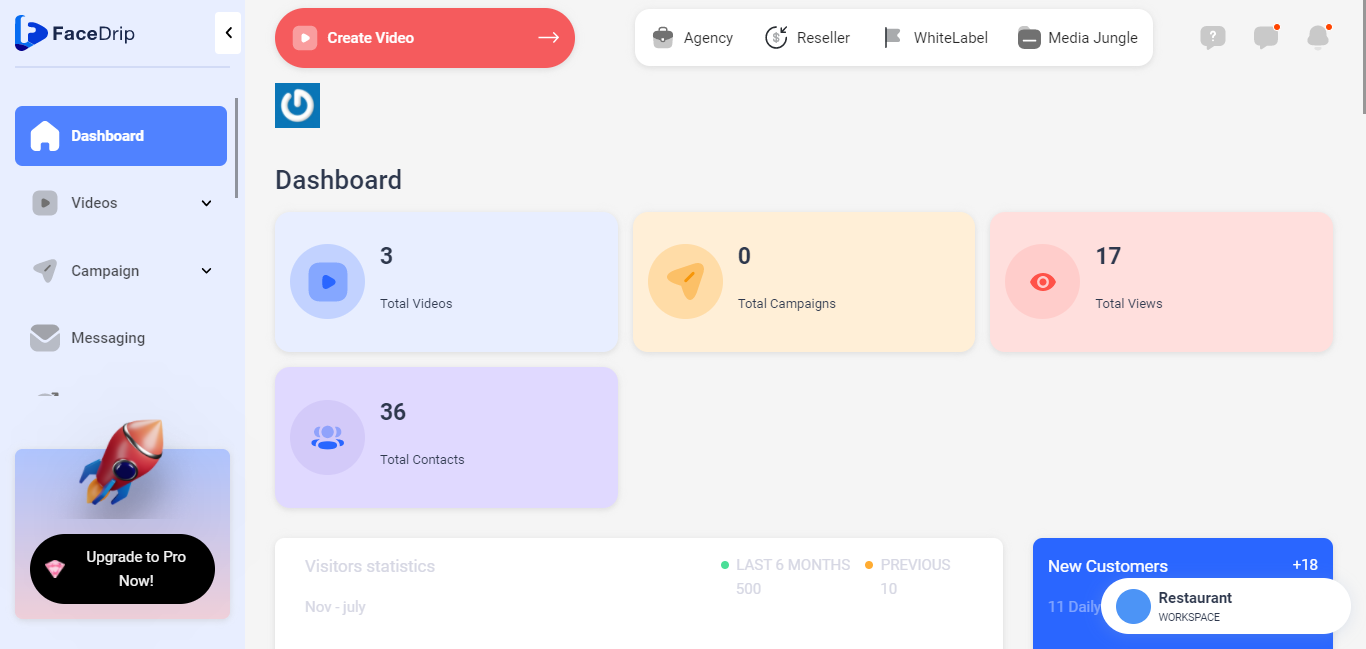
Log in to your Facedrip account.
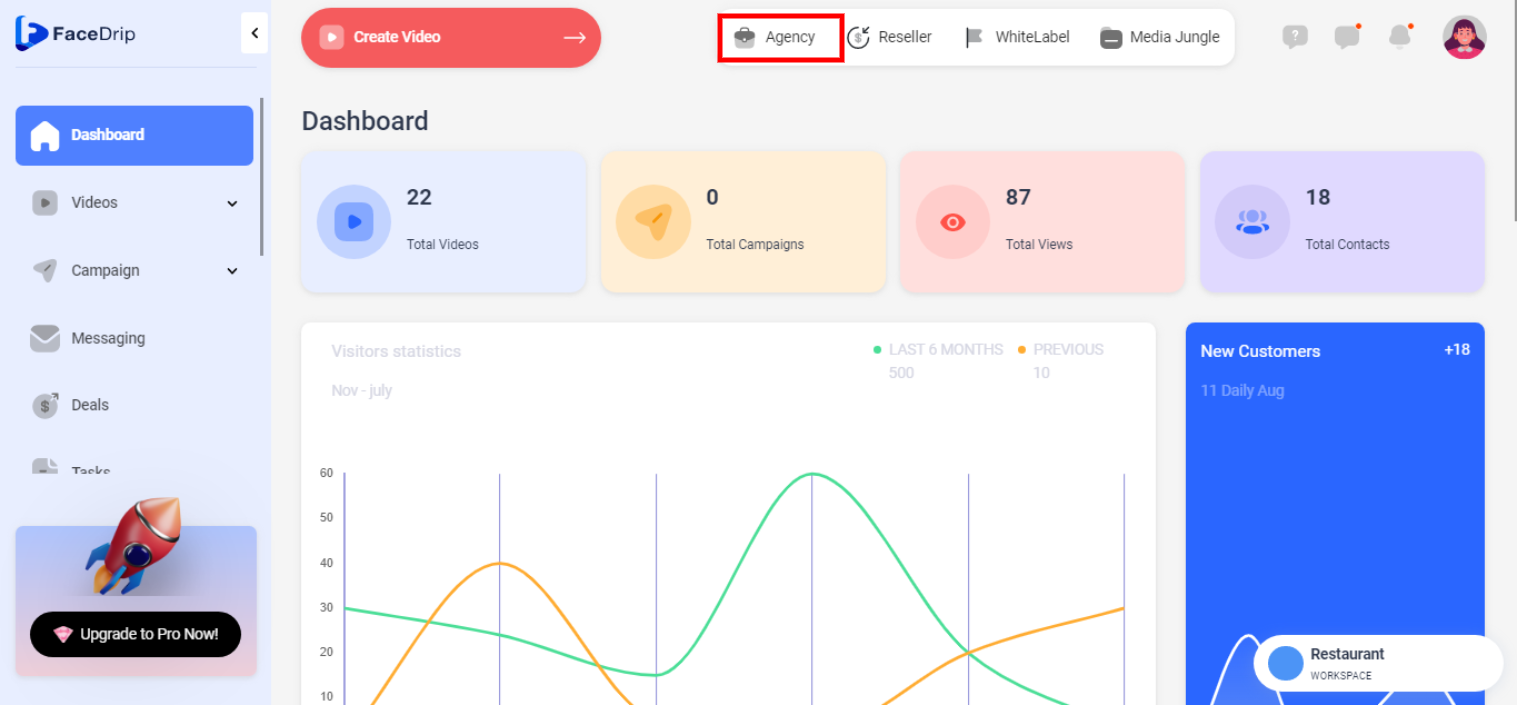
Step 1: Click on the ‘Agency’ at the top of your dashboard.
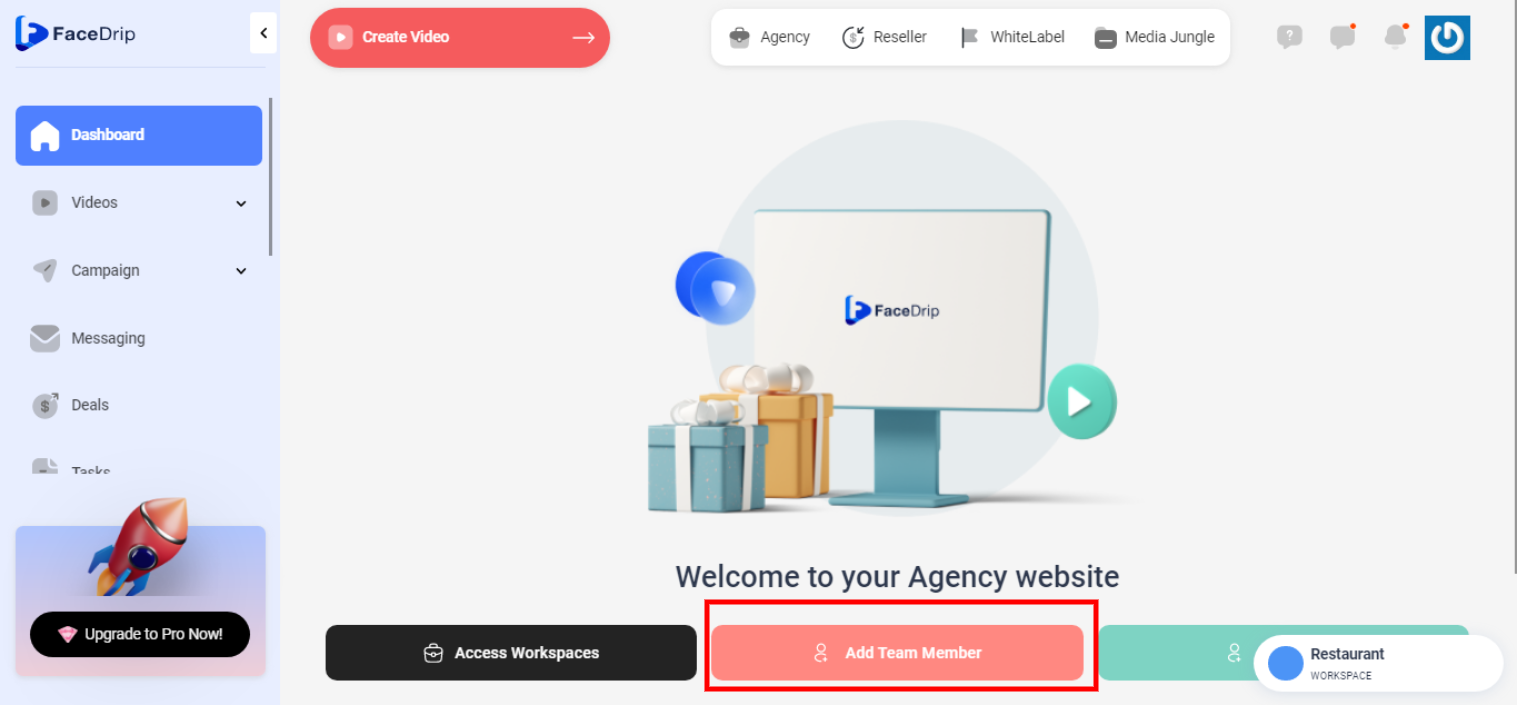
Step 2: Select ‘Team-member’ in the menu option below.
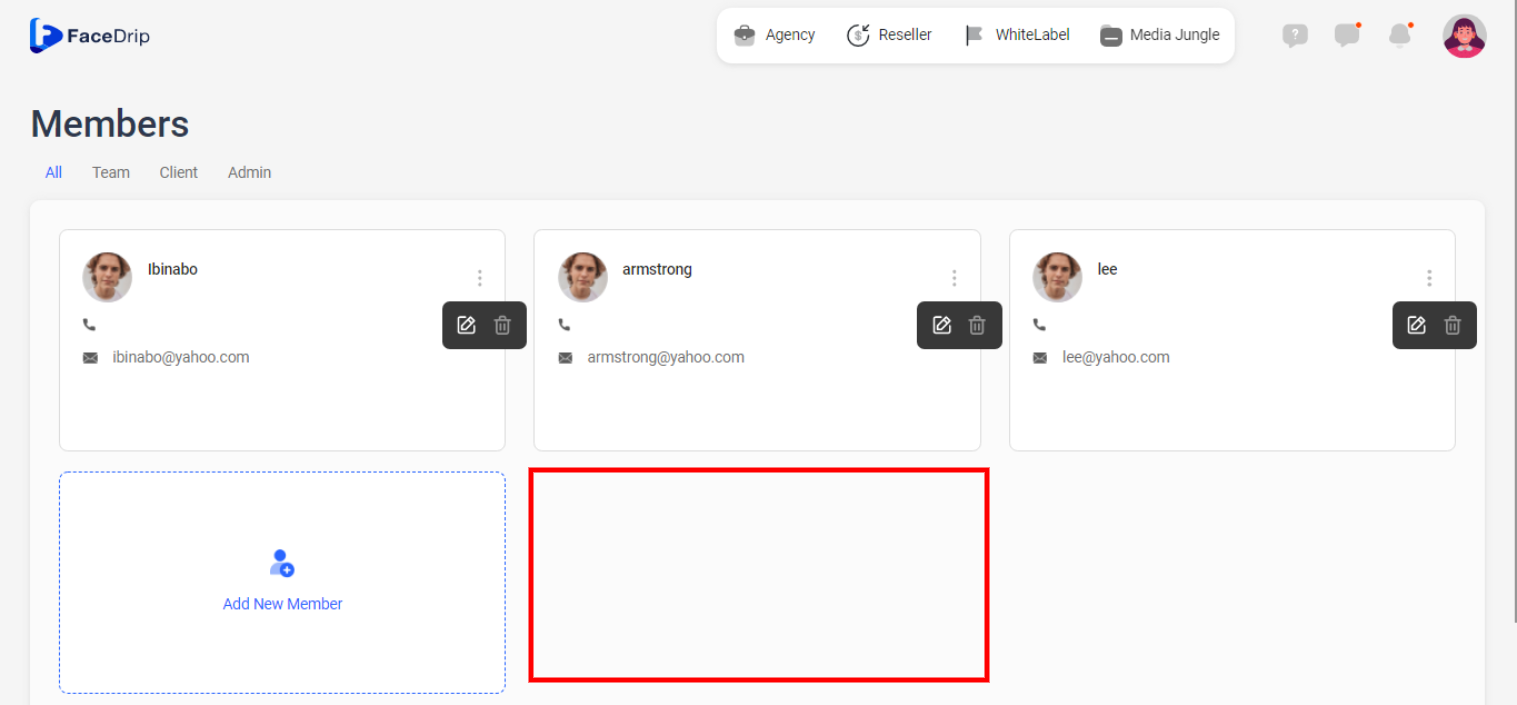
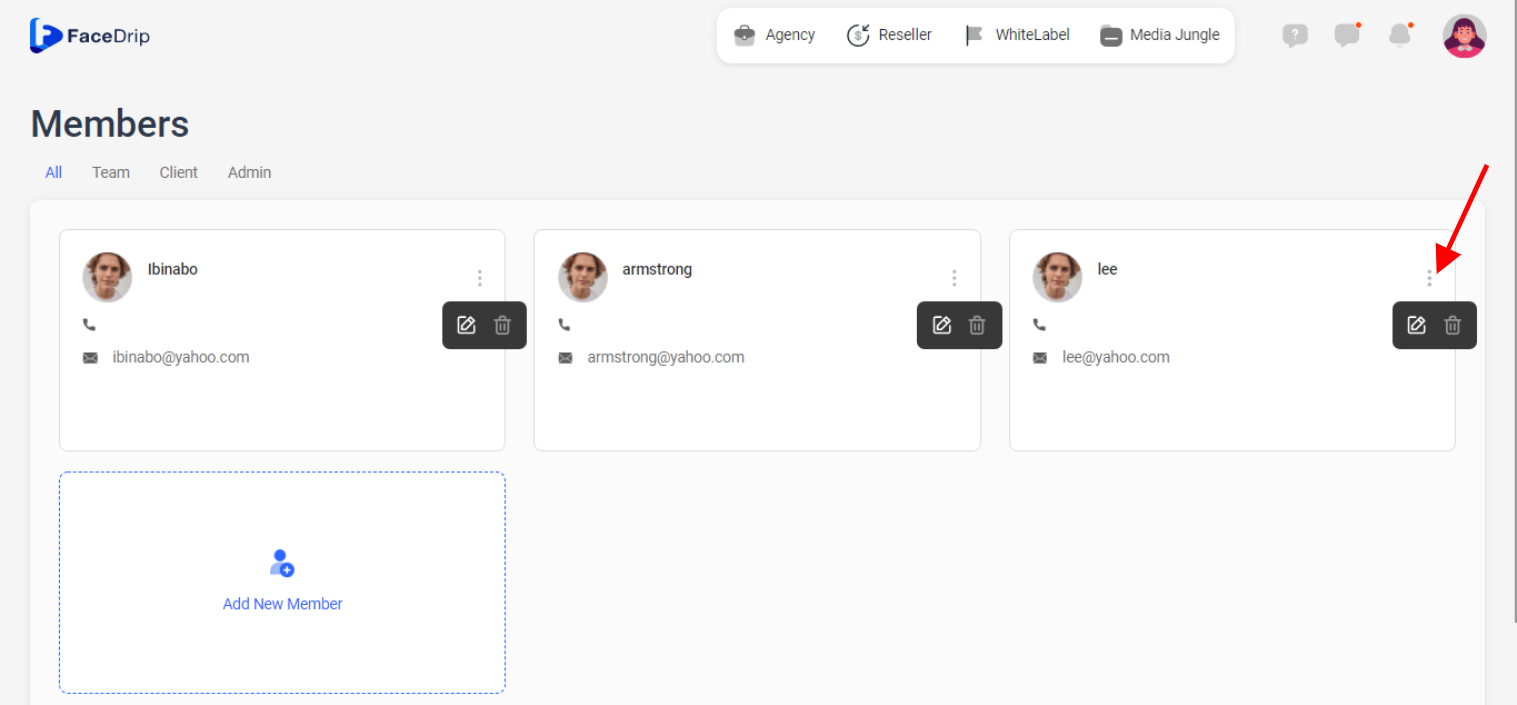
Step 3: On the Team Member dashboard, click on the ‘triple-dot icon’ by the top right corner of the particular Team member card you want to update.
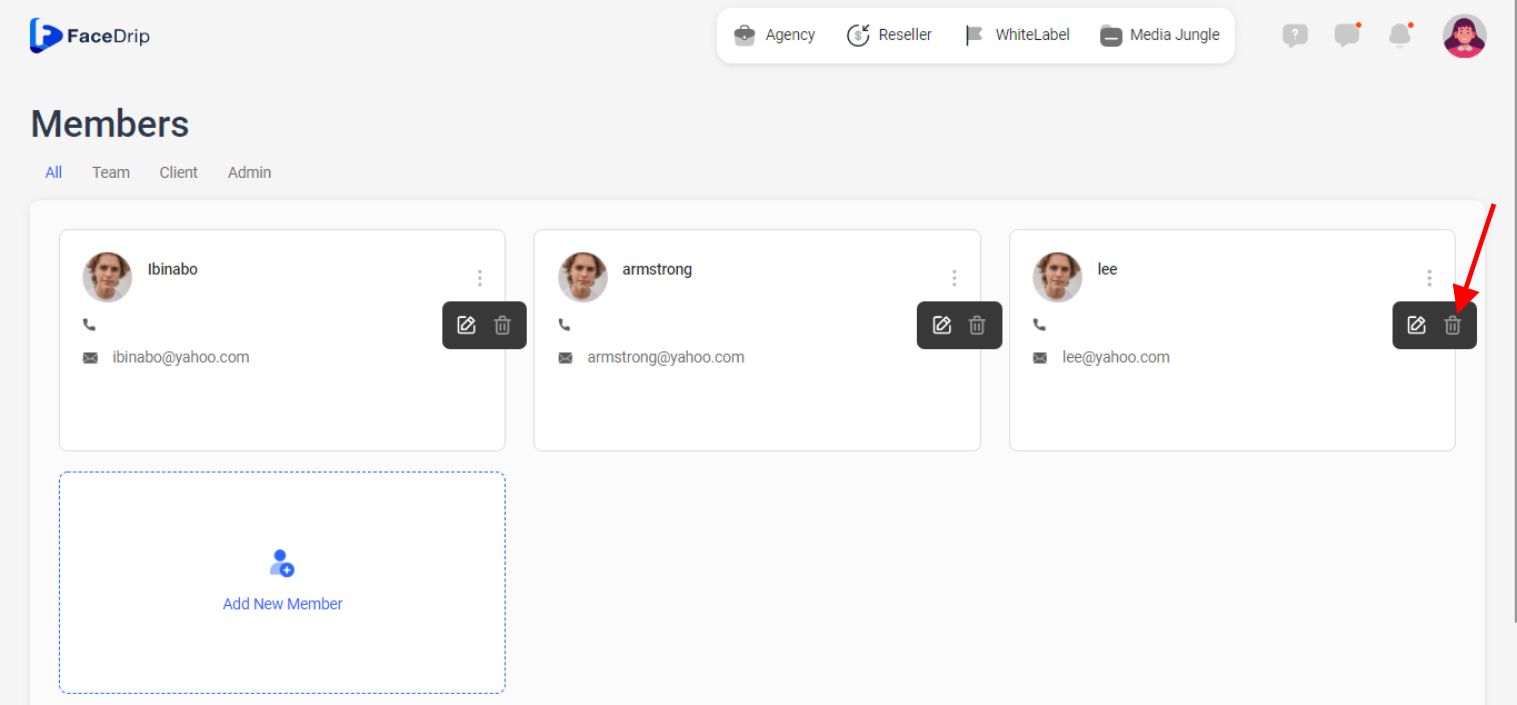
Step 4: On the select menu, click on the ‘Delete icon’ .
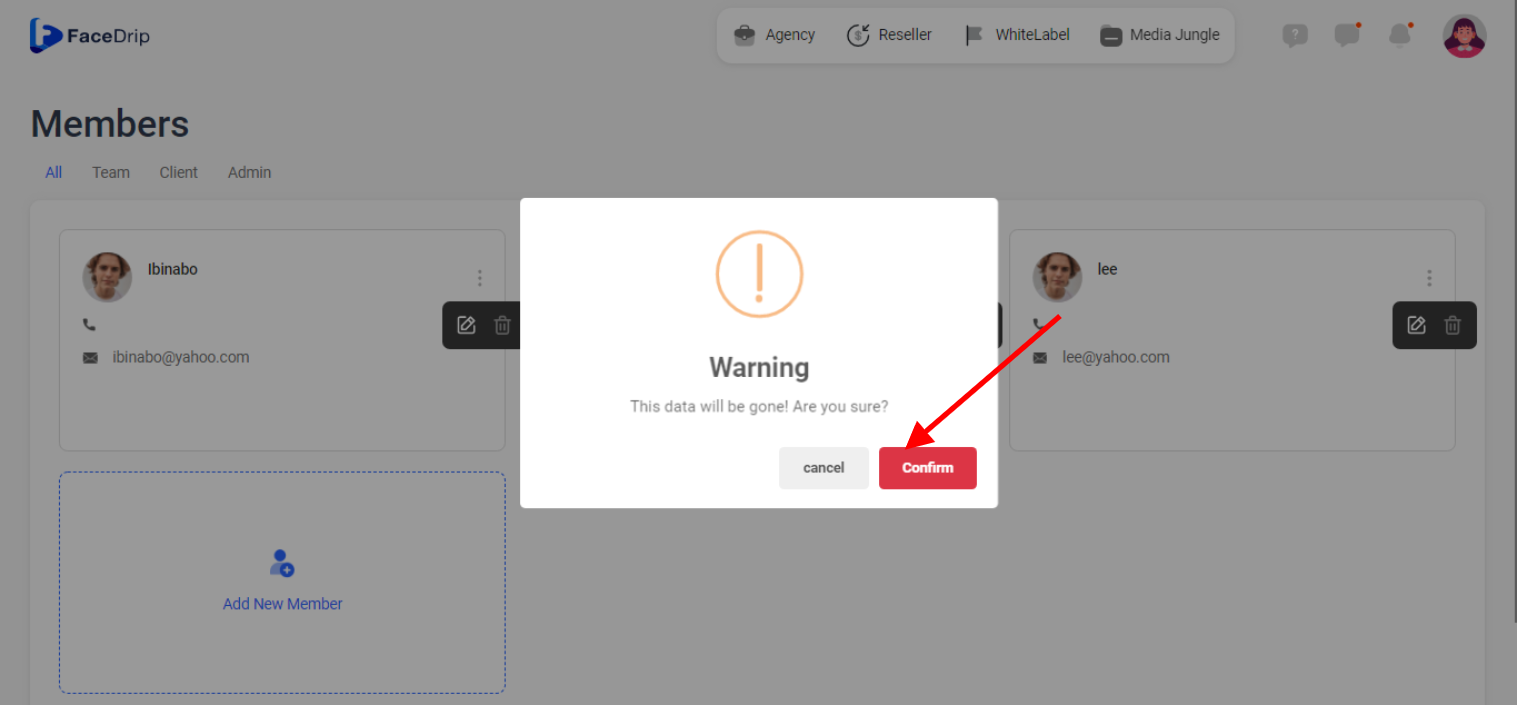
Step 5: On the pop-up action form, click on the red-colored ‘Confirm’ Button.
Team-member is deleted from workspace successfully!