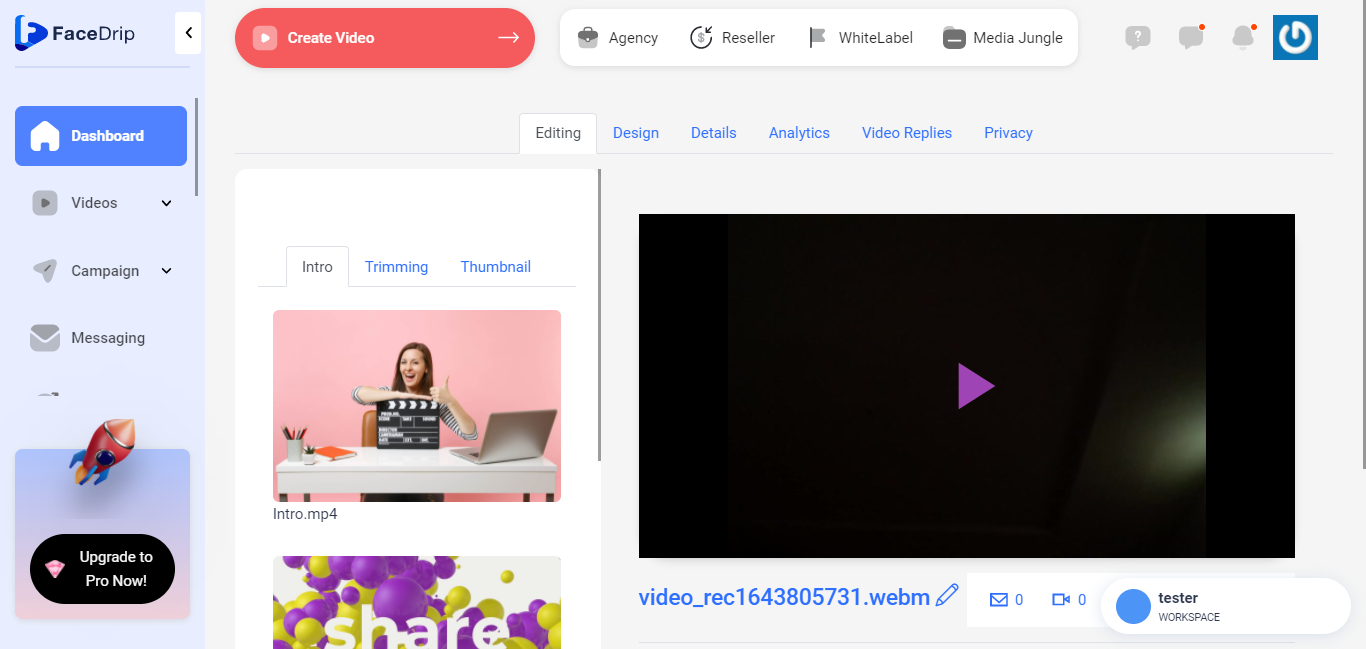
You can record a video in a few easy steps. Use the instructions below on how to record video with camera.
Getting Started On How To Record Video with Camera
Log in to your Facedrip account.
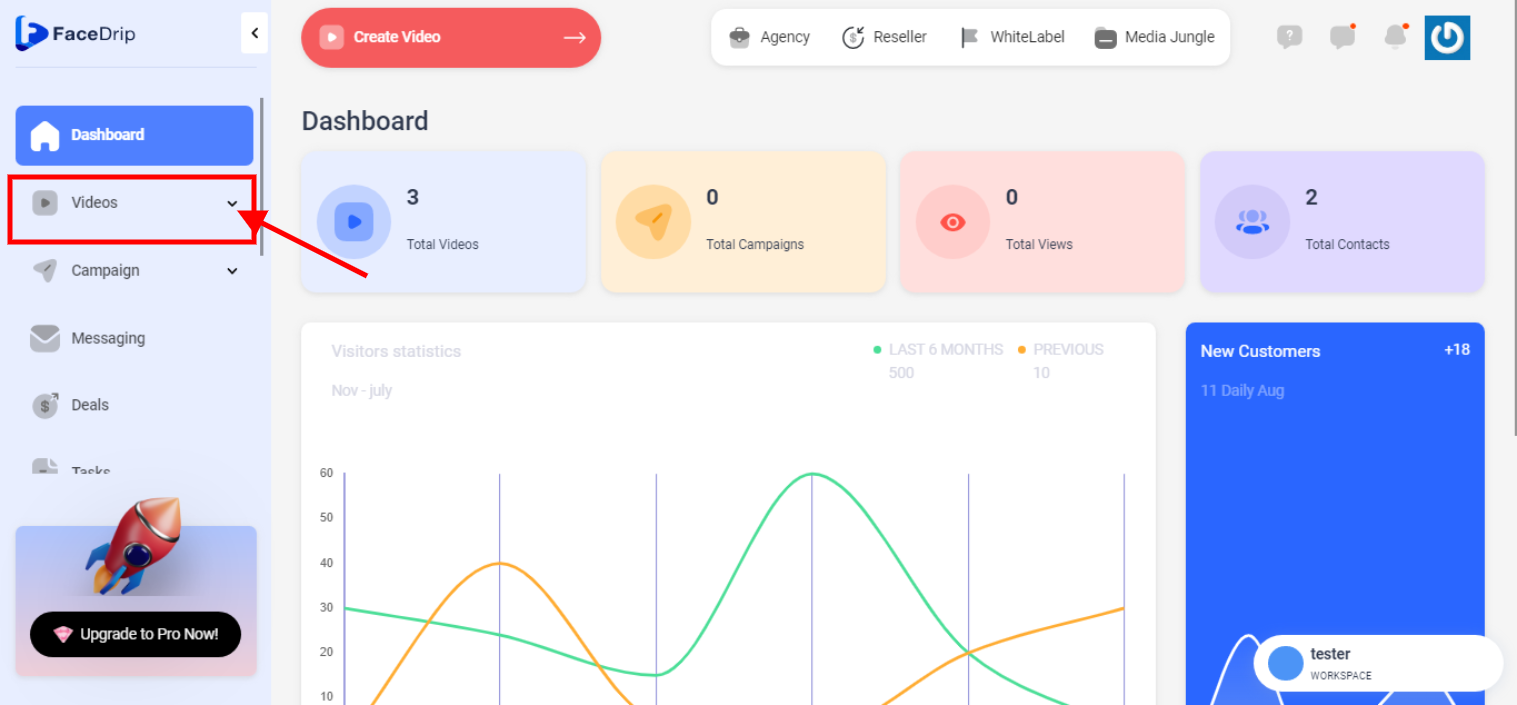
STEP 1: Click on the “video” menu on the left-hand side menu bar of your dashboard.
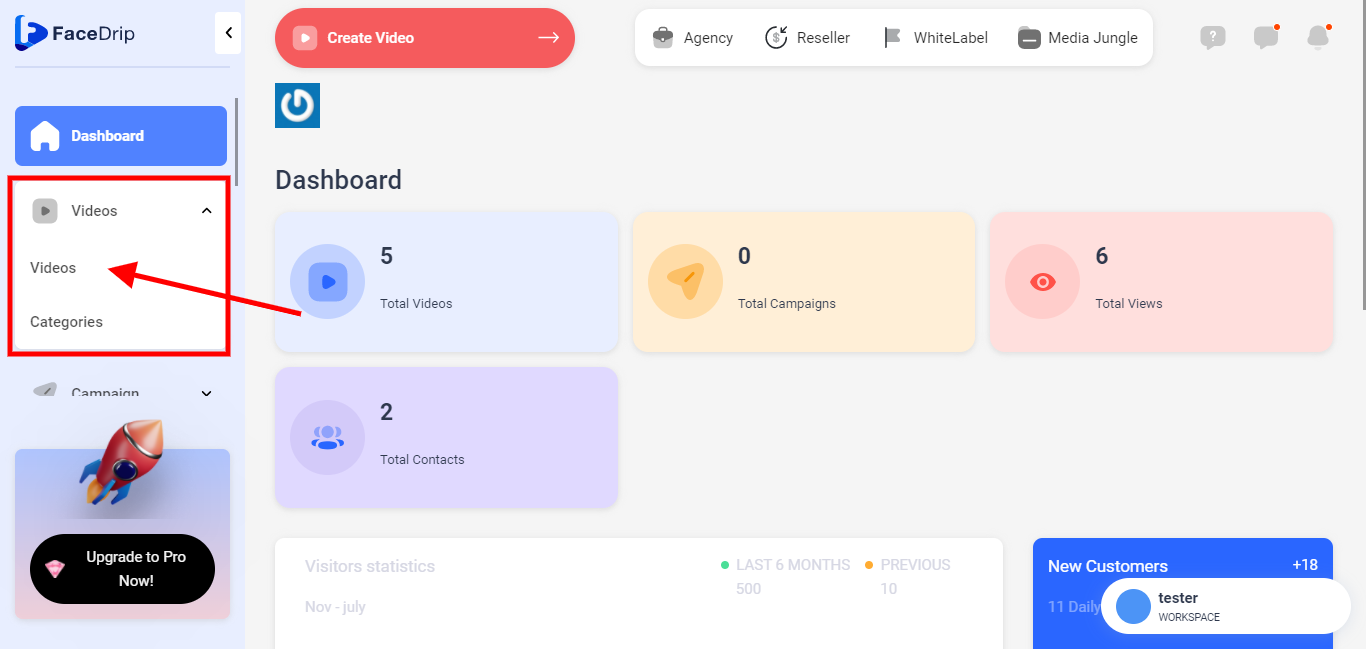
SEP 2: click on “video” in the drop-down options.
STEP 3: Select workspace to record video from camera. Find an article here on how to create a workspace
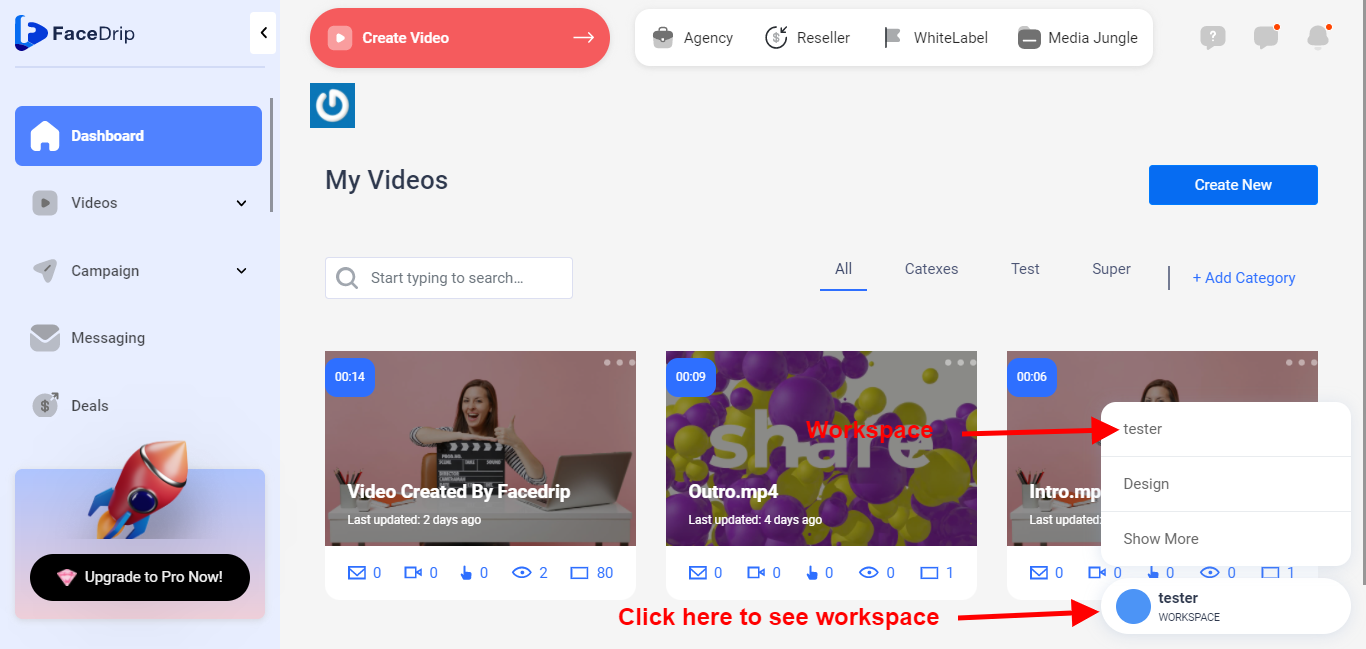
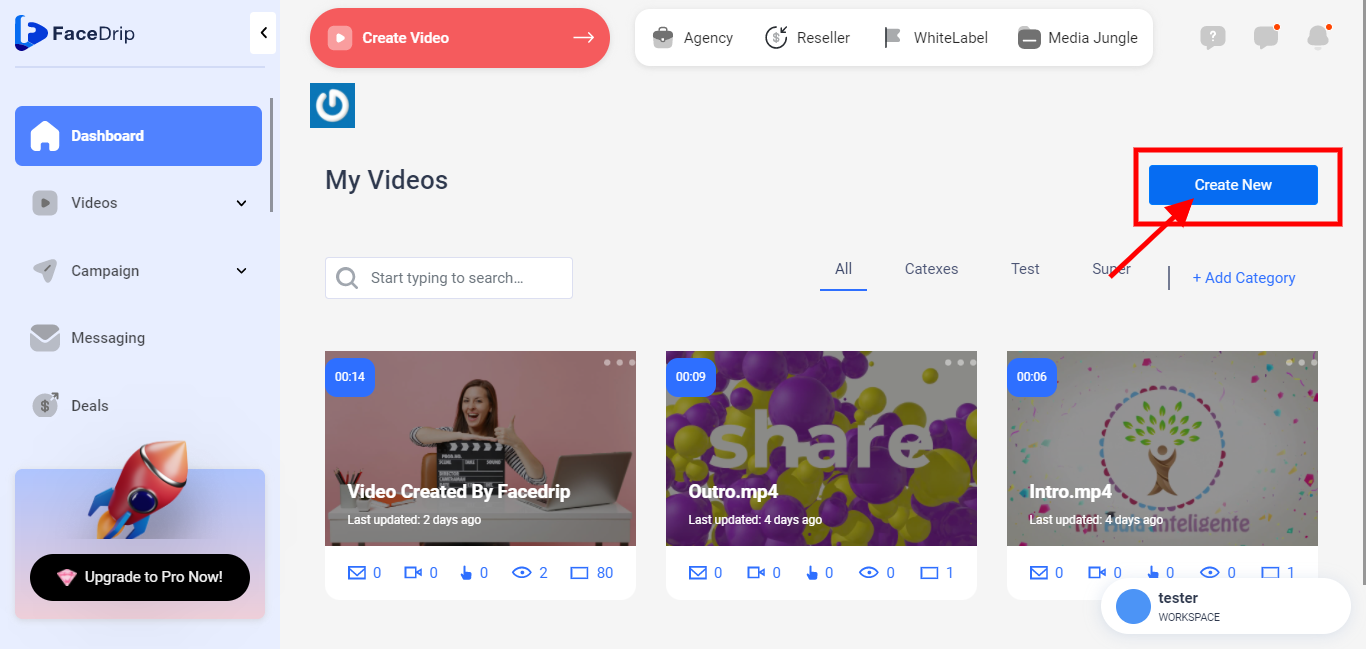
STEP 4: click on the blue “Create New” button in the top right-hand end of the middle section.
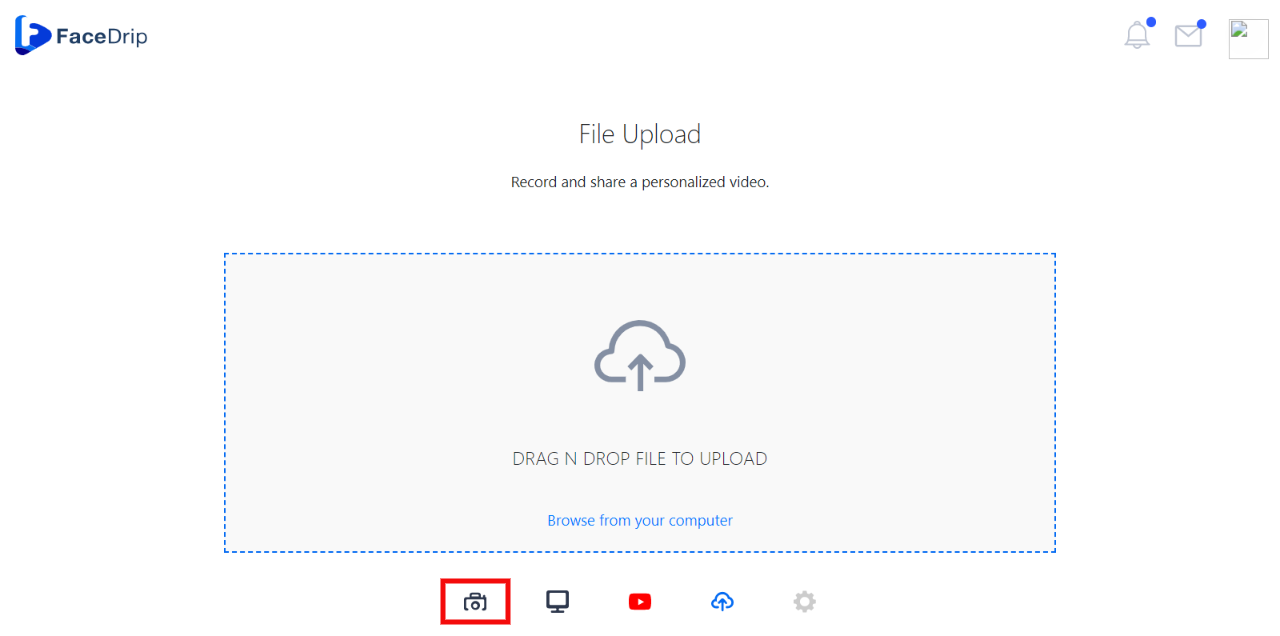
STEP 5: click on the camera icon at the bottom of the video drop zone
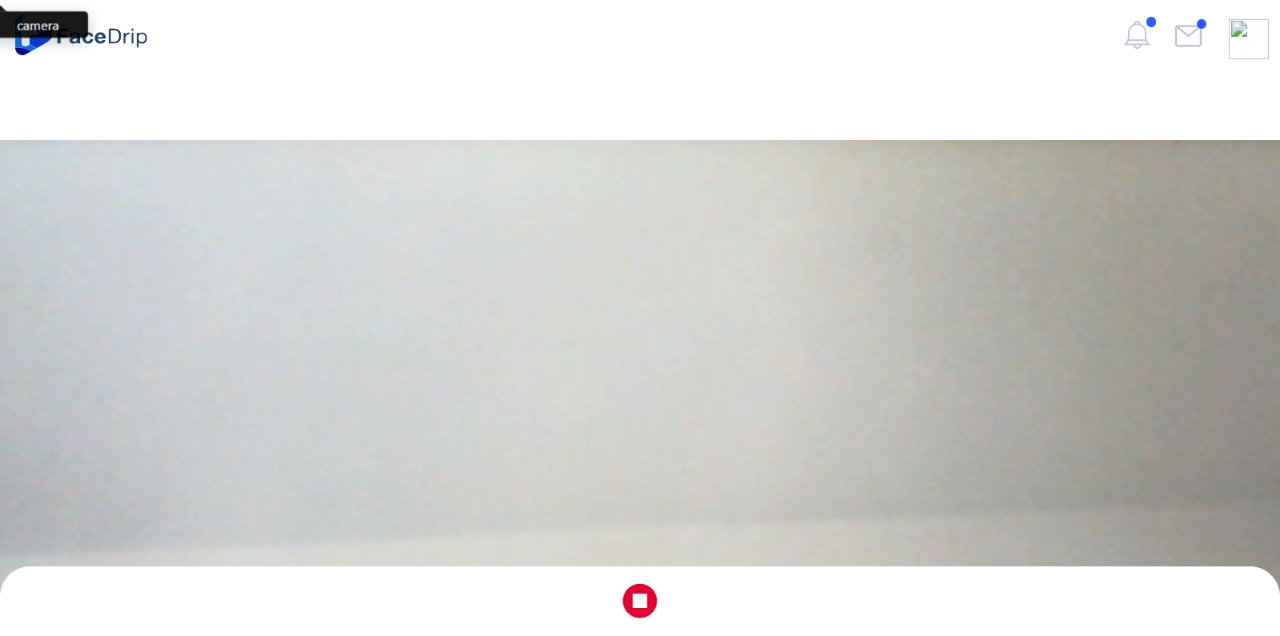
STEP 6: Start recording video
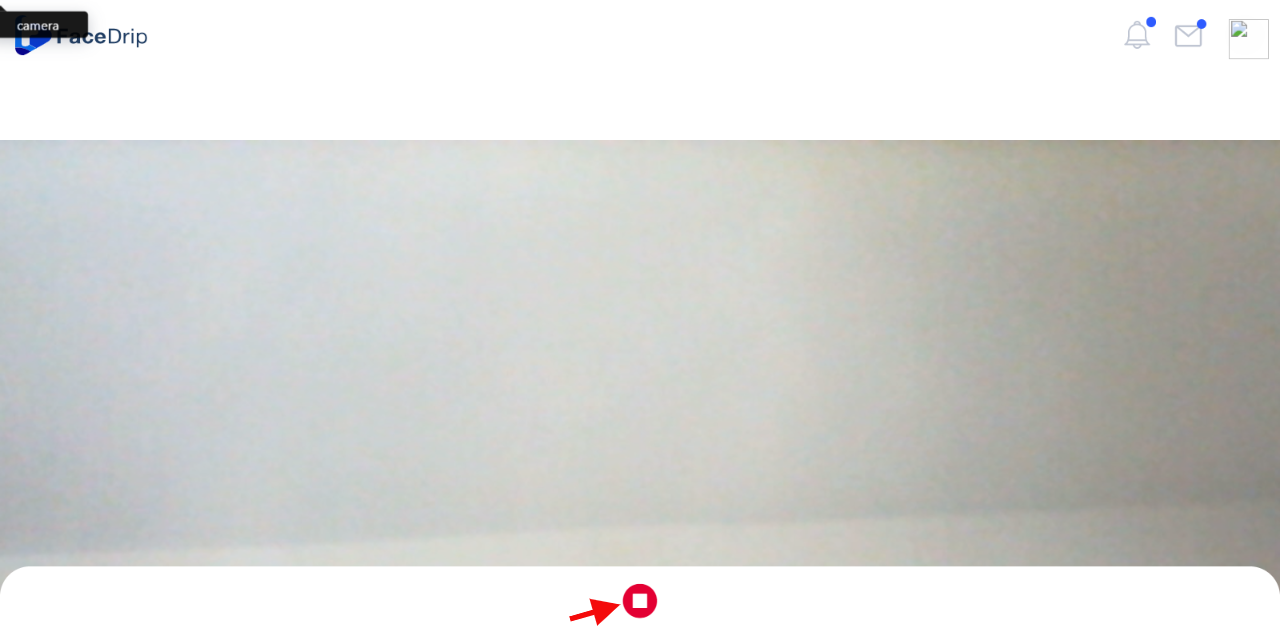
STEP 7: Click on the red stop icon to stop recording
STEP 7: Click on the blue stop icon to save the recording
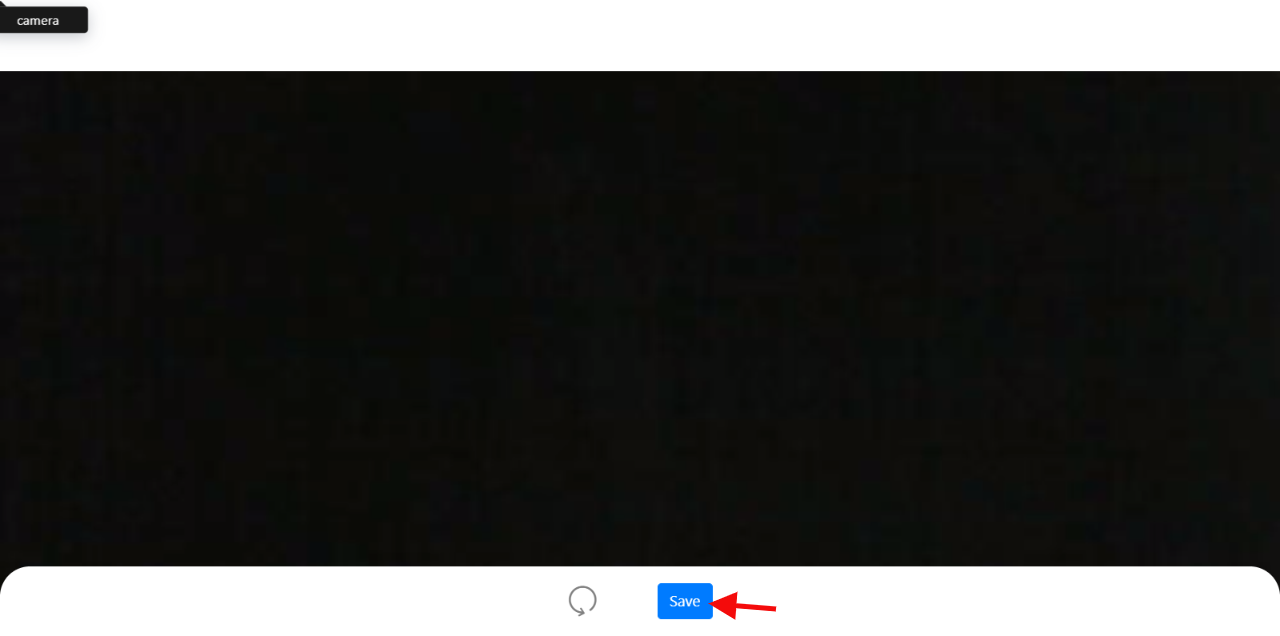
STEP 8: Video is saved successfully