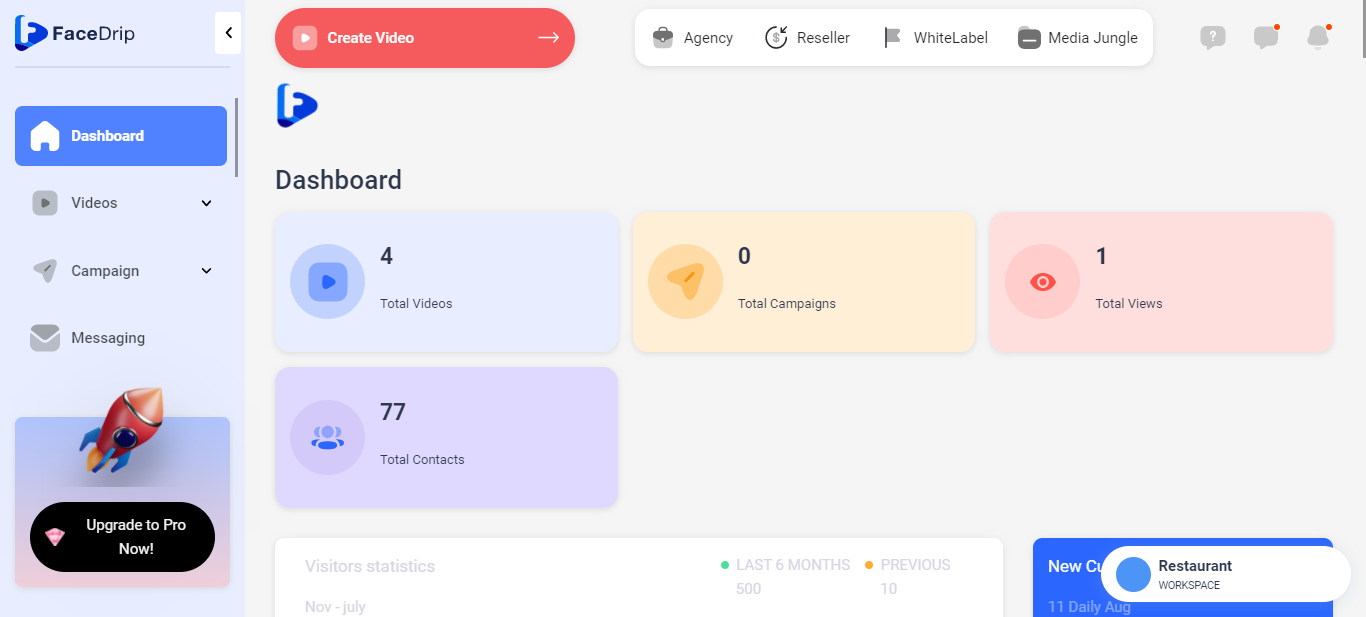
Log in to your Facedrip account.
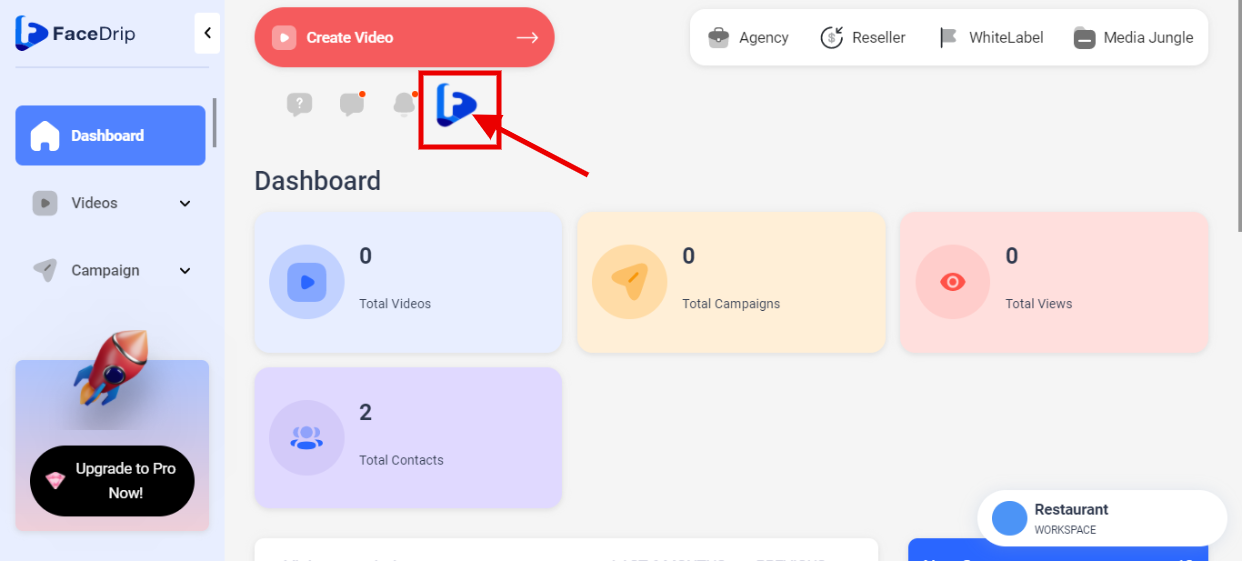
STEP 1:Click on the “Blue Icon” by your left-hand side
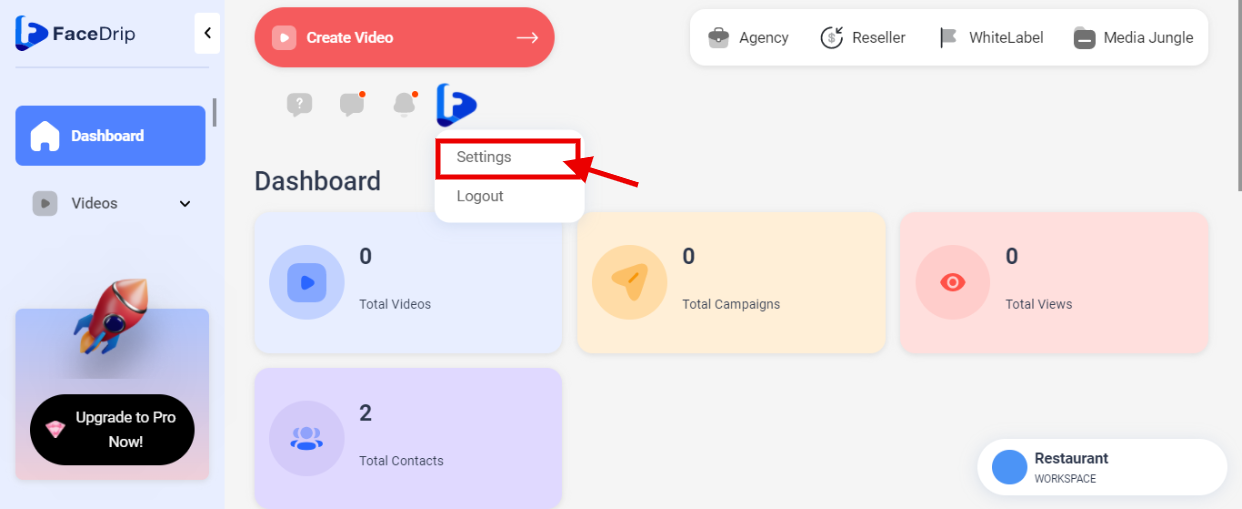
STEP 2: Click on “Settings” in the drop-down options.
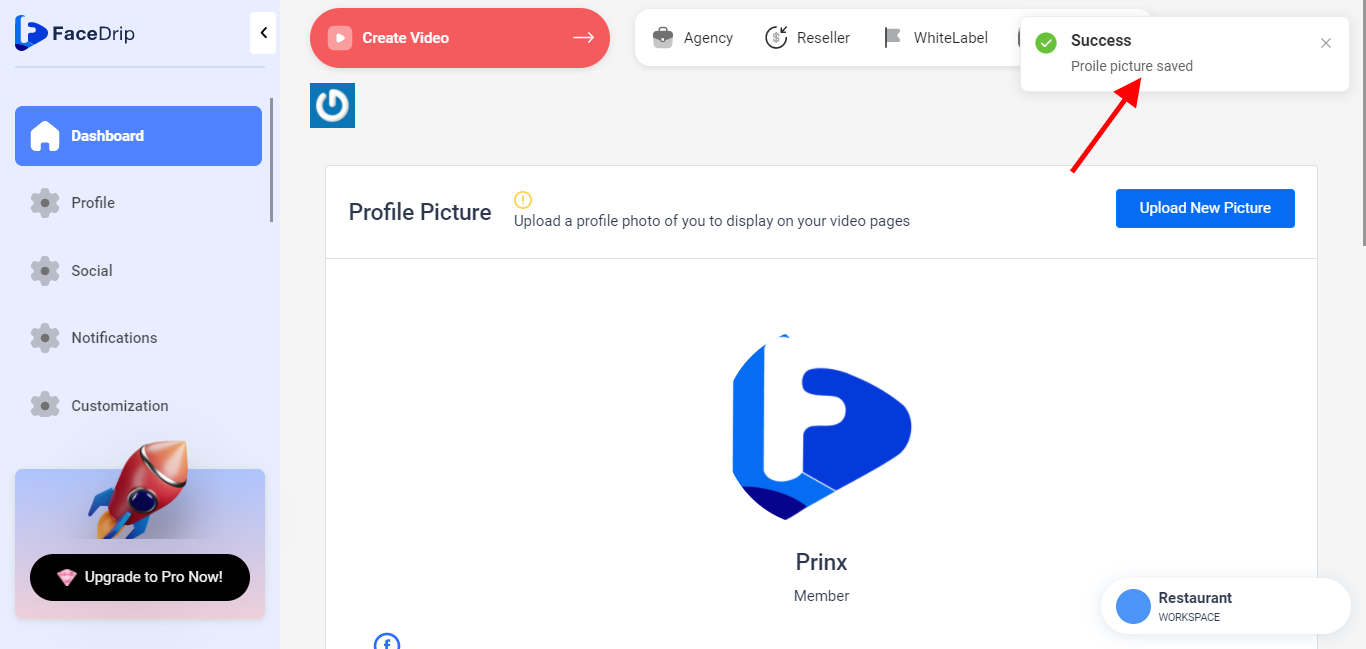
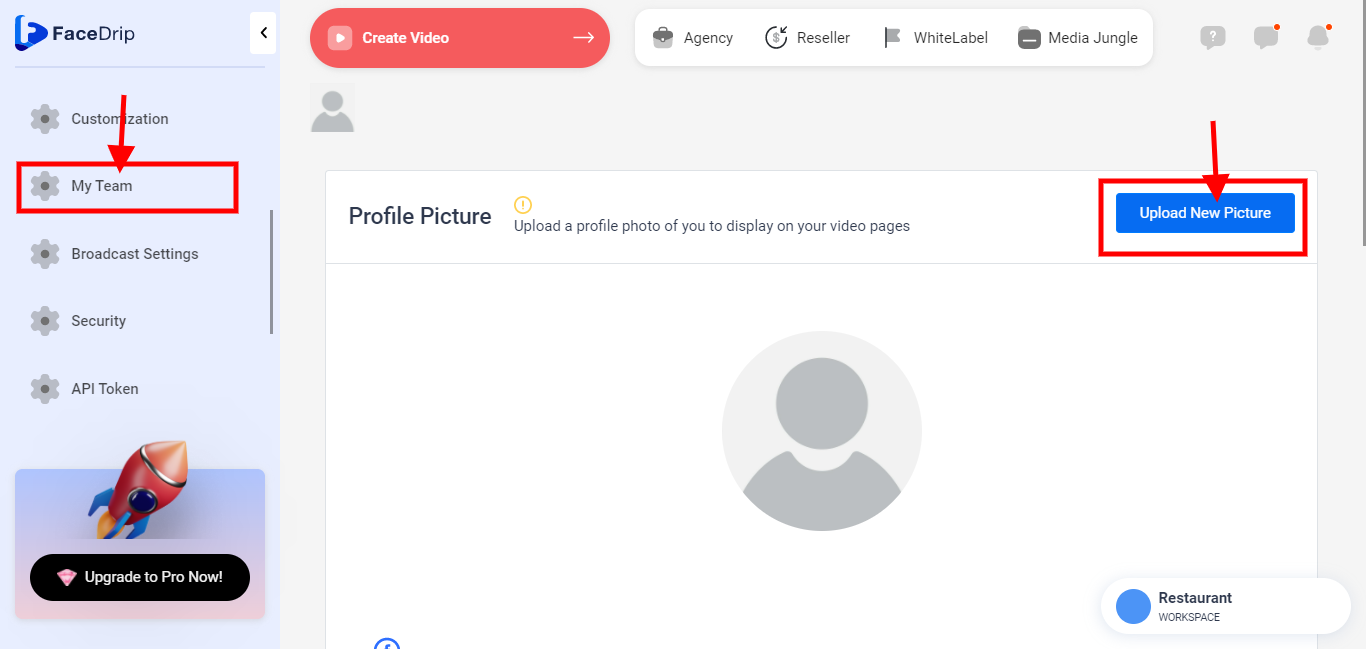
STEP 3: Click on “My Team” from the sidebar menu then click on the blue “Upload New Picture” button to add your logo
STEP 4: profile picture has been saved successfully