Log in to your Facedrip account.
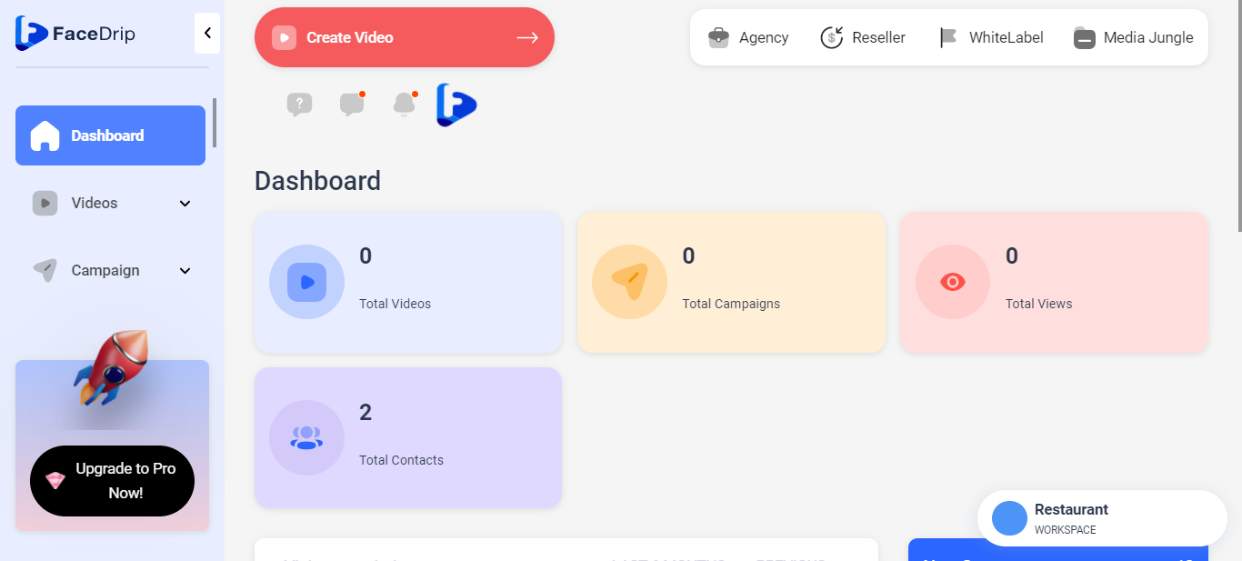
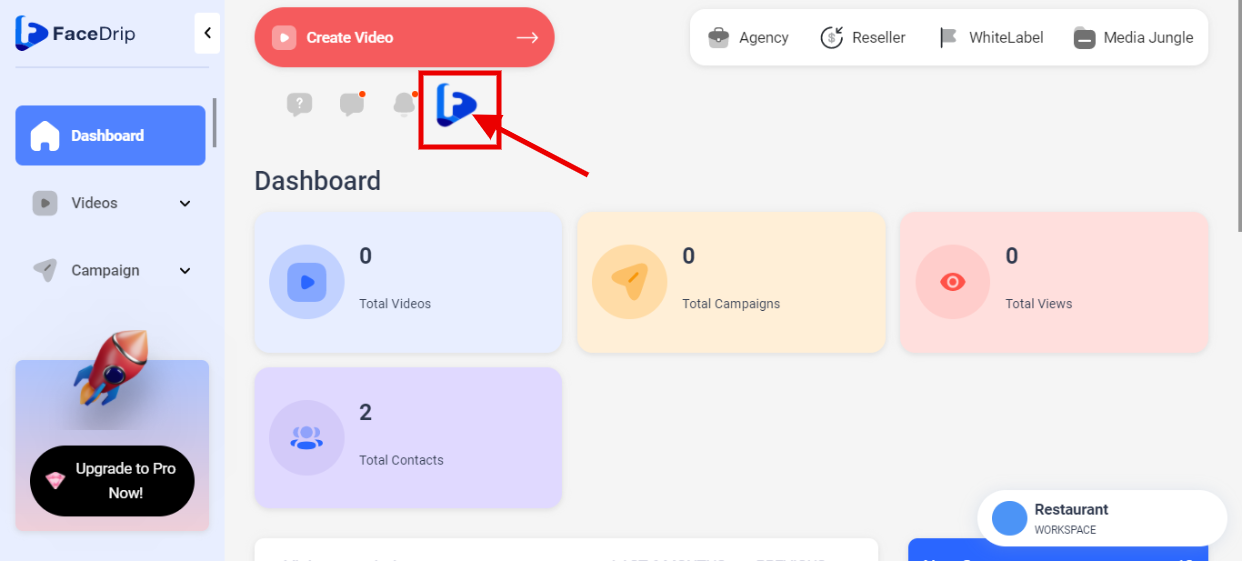
STEP 1: Click on the “Blue Icon” by your left-hand side
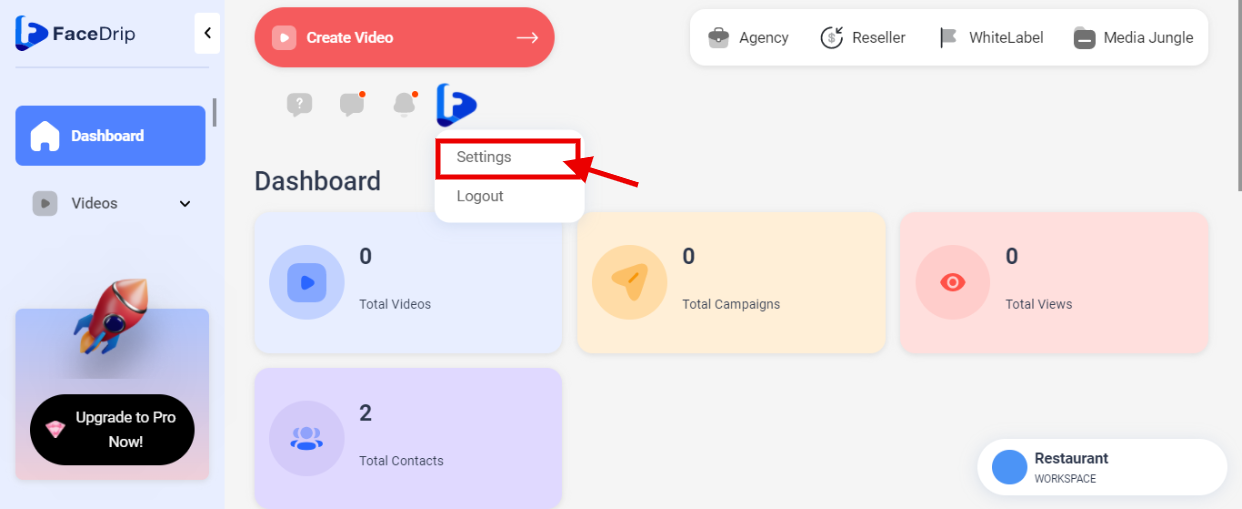
STEP 2: Click on “Settings” in the drop-down options.
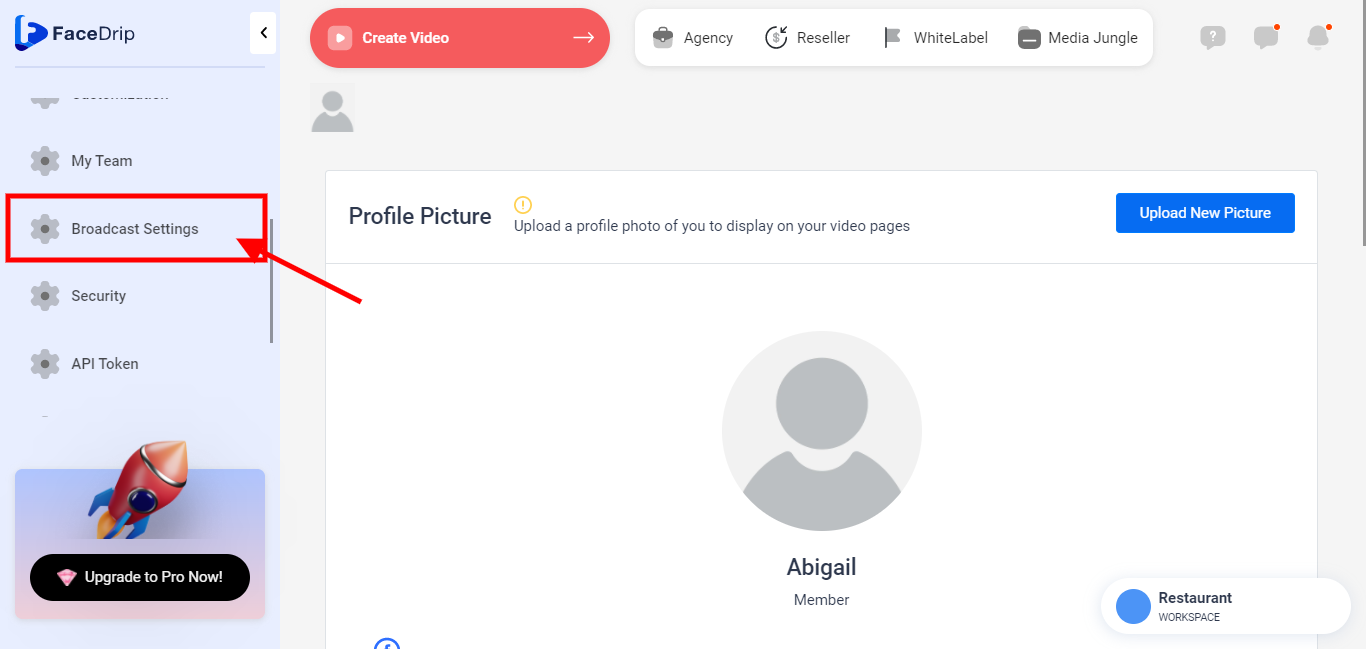
STEP 3: Click on “Broadcast Setting” on the left-hand side menu bar of your dashboard. (Follow dis link on How To Setup Your broadcast provider for your Campaigns)
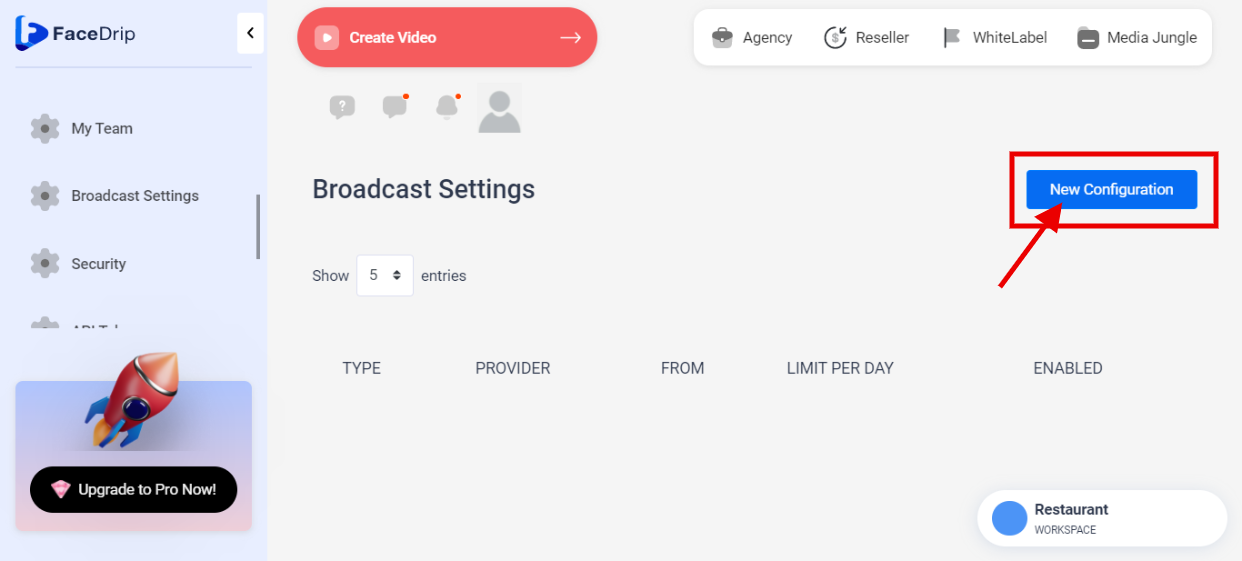
STEP 4: “New Configuration “
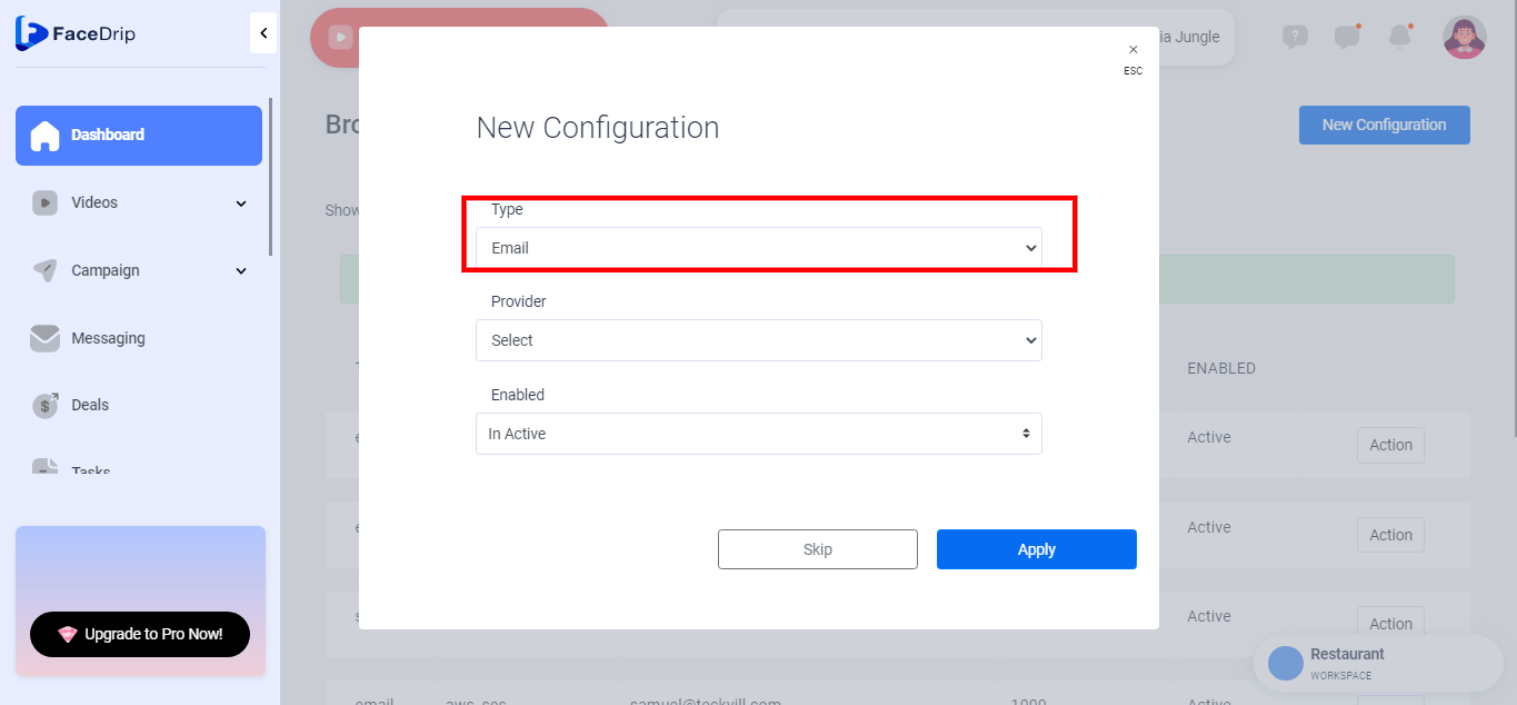
STEP 5: Select the new configuration ” Type “
Select a new configuration type from the drop-down “Email”
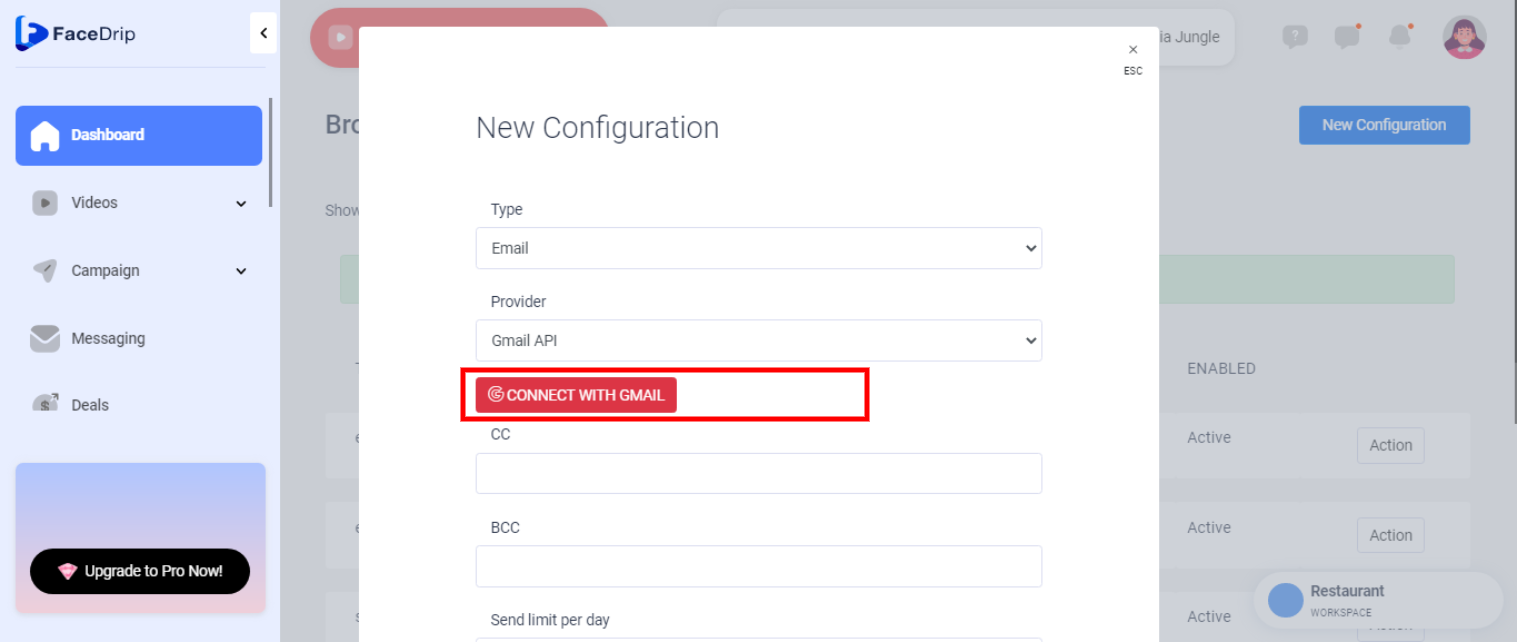
STEP 6: Click on “Connect With Gmail ”
STEP 7: You have to sign in with your Google account
Enter your “Email Address “

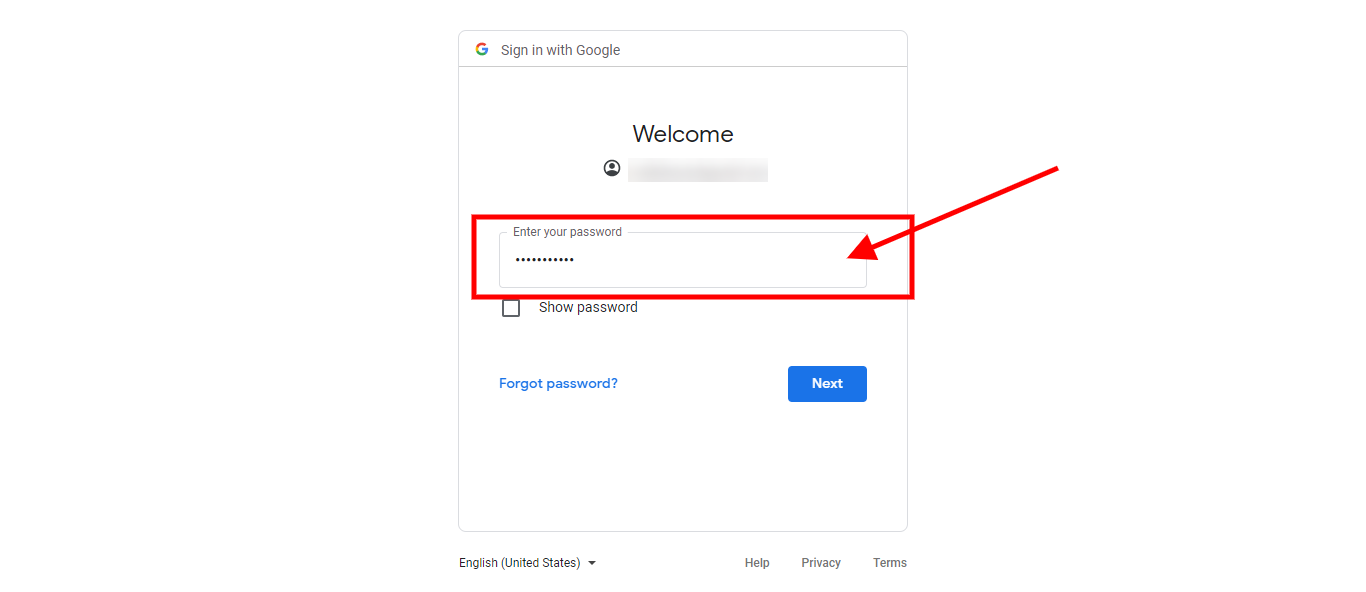
STEP 8: Enter your “Google account Password ”
Enter your “Password”
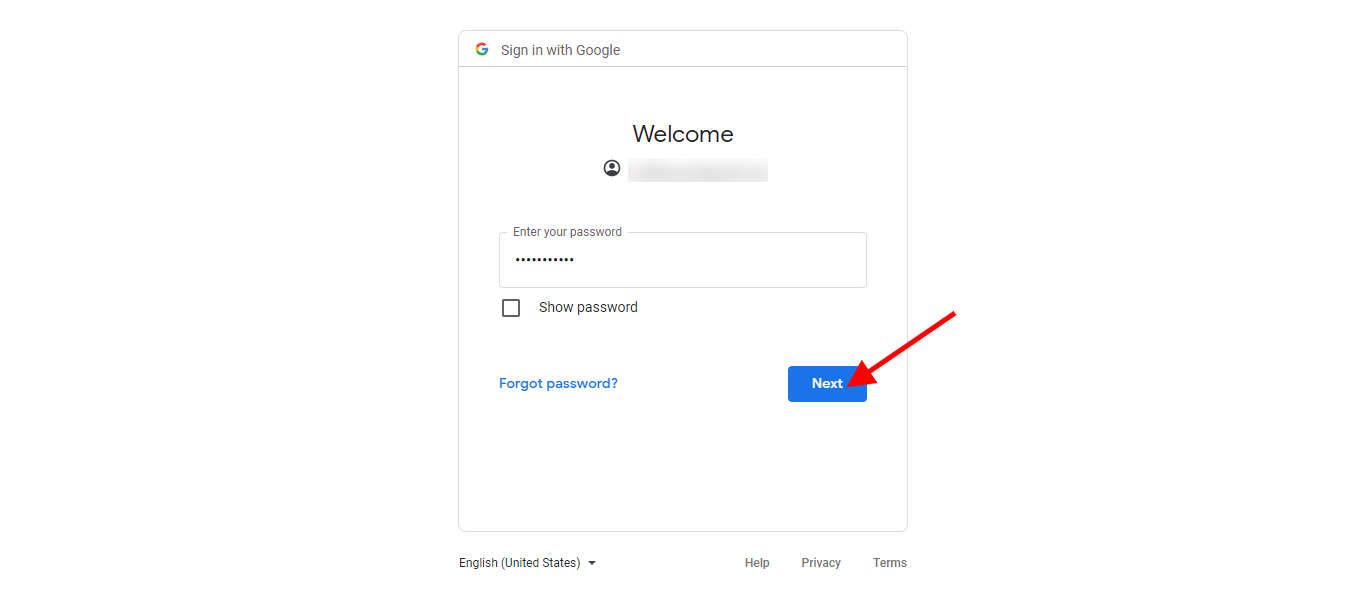
STEP 9: Click on ” Next “
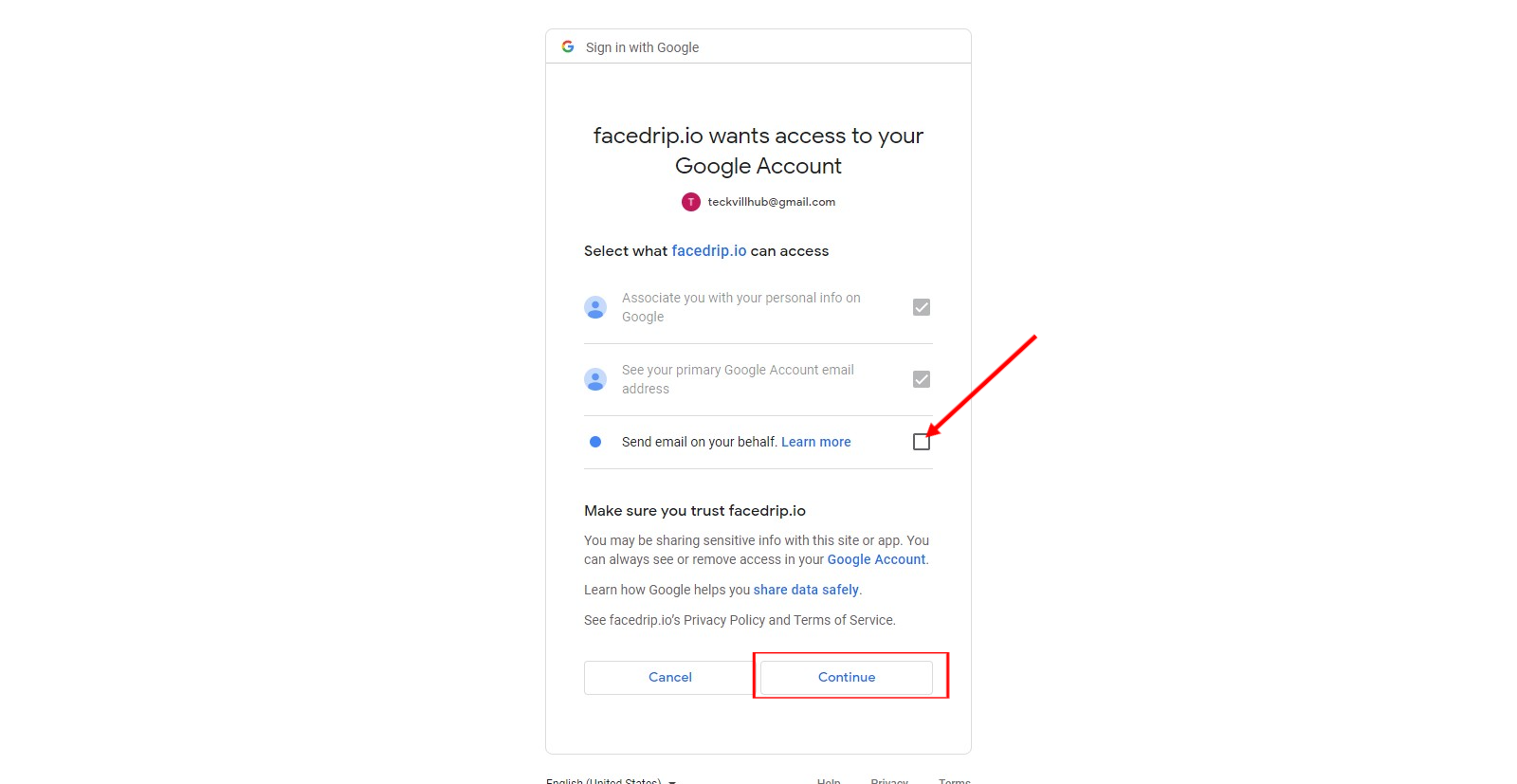
STEP 10: Select what facedrip can access by checking the box and click the continue button
STEP 11: A success message will pop saying “ Connected account successfully “
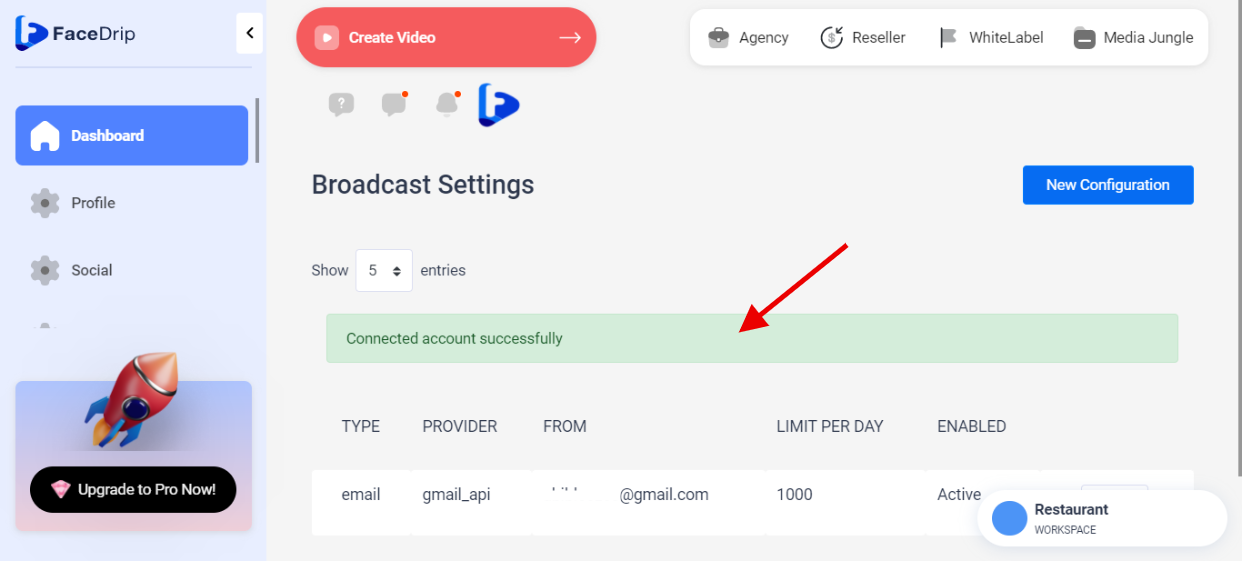
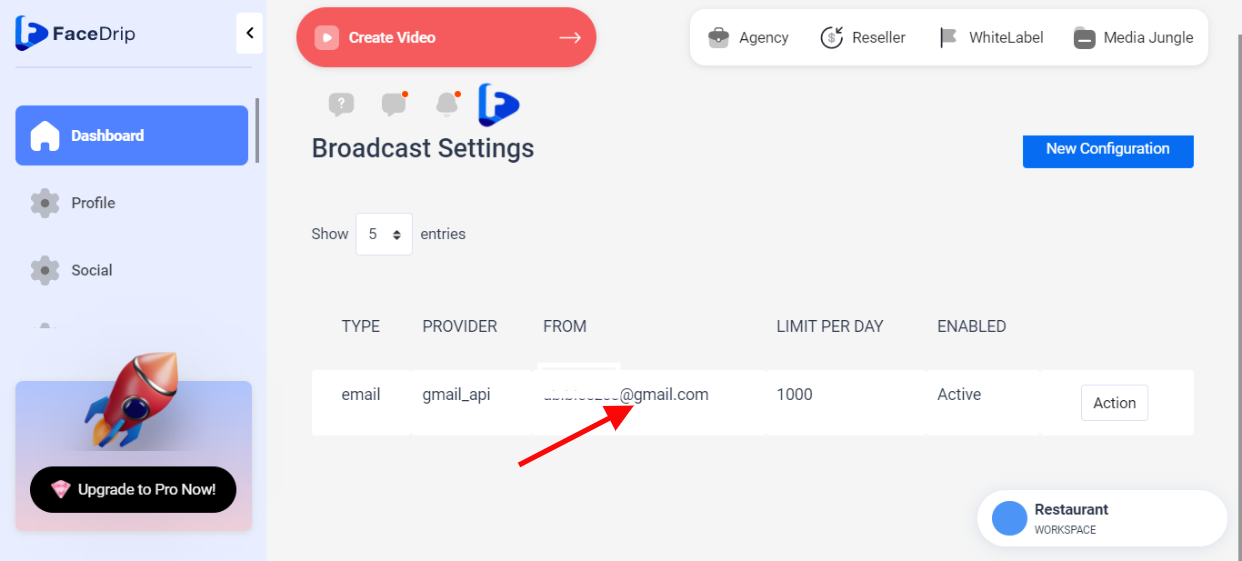
Account has been added successfully