
To verify a domain in mandrill the following is required
- Mailchimp Account
- A domain you own and DNS provider.
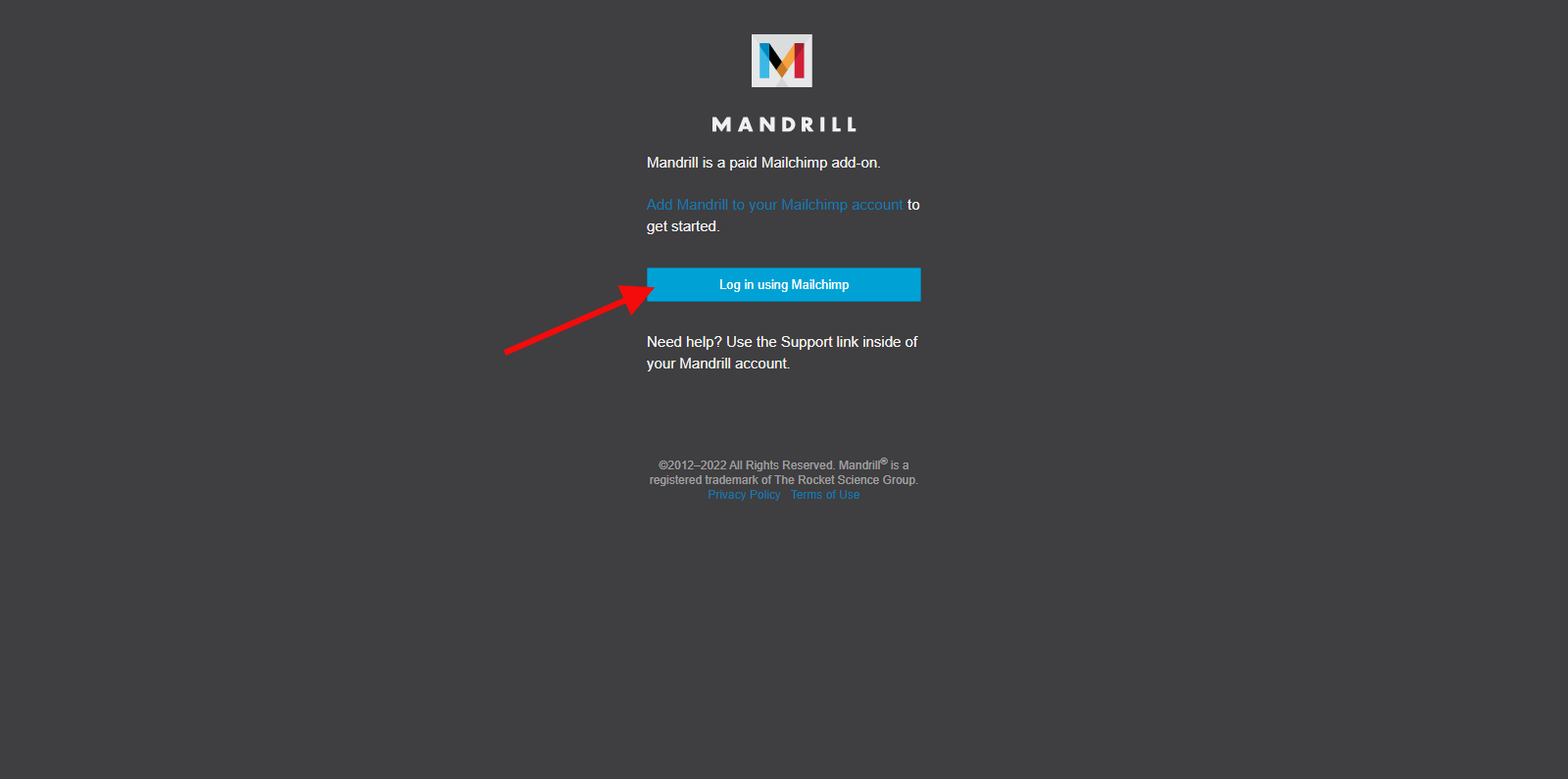
Step 1: Click here to log in to mandrill
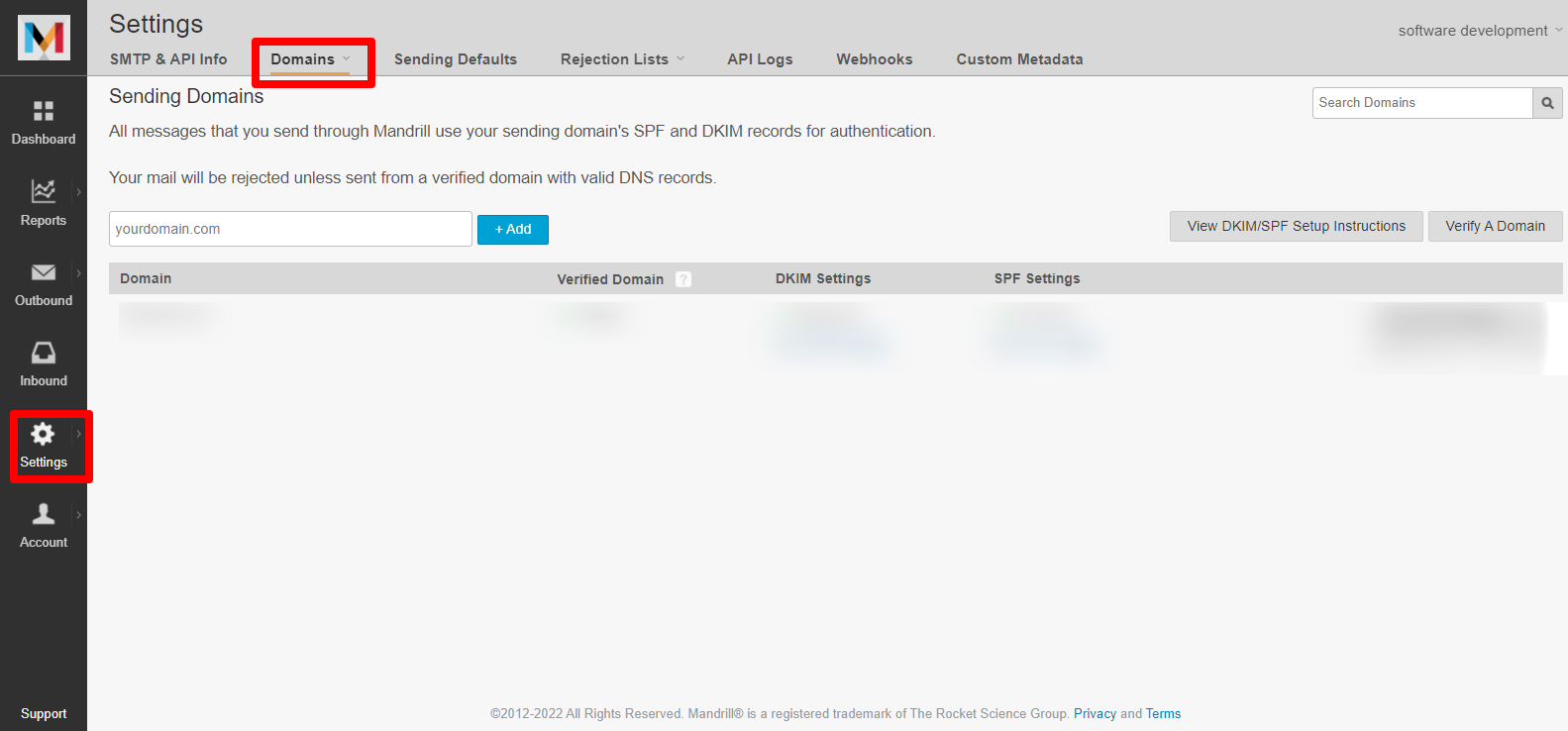
Step 2: From your dashboard, click on Settings>>Domain
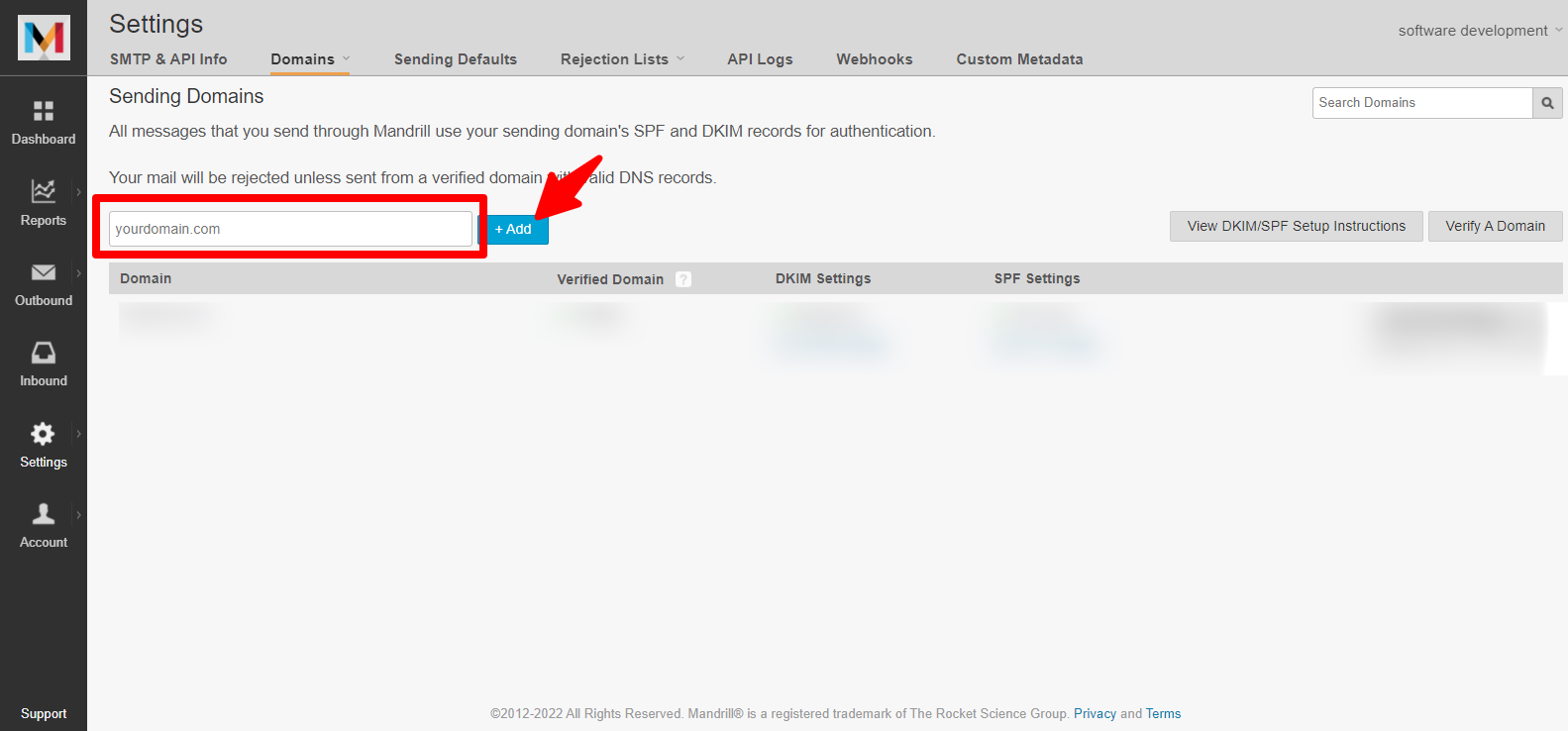
Step 3: Add your domain
Step 4: When your domain is added, click View DKIM/SPF Setup Instructions, which provide the appropriate DNS settings you will need to update your domain.
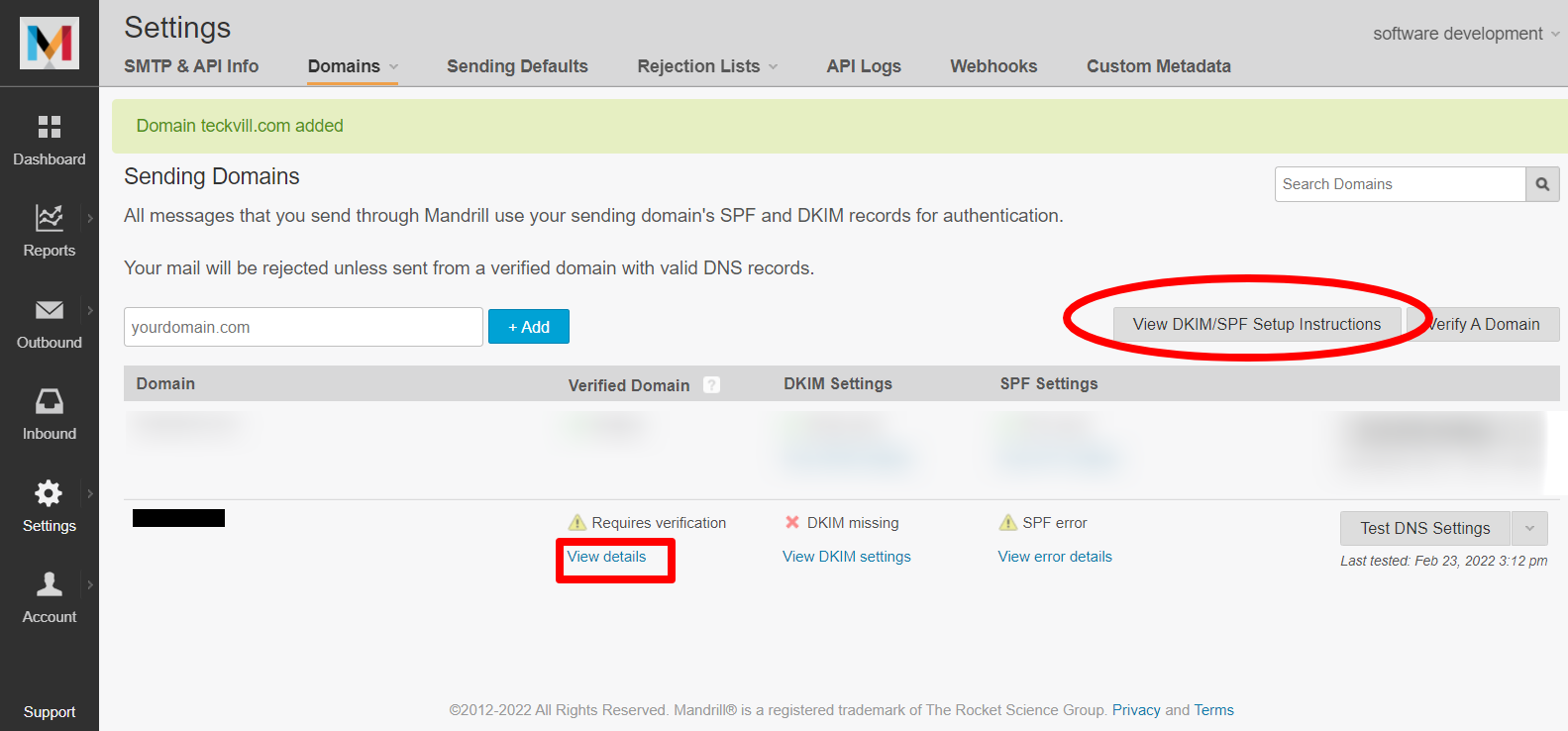
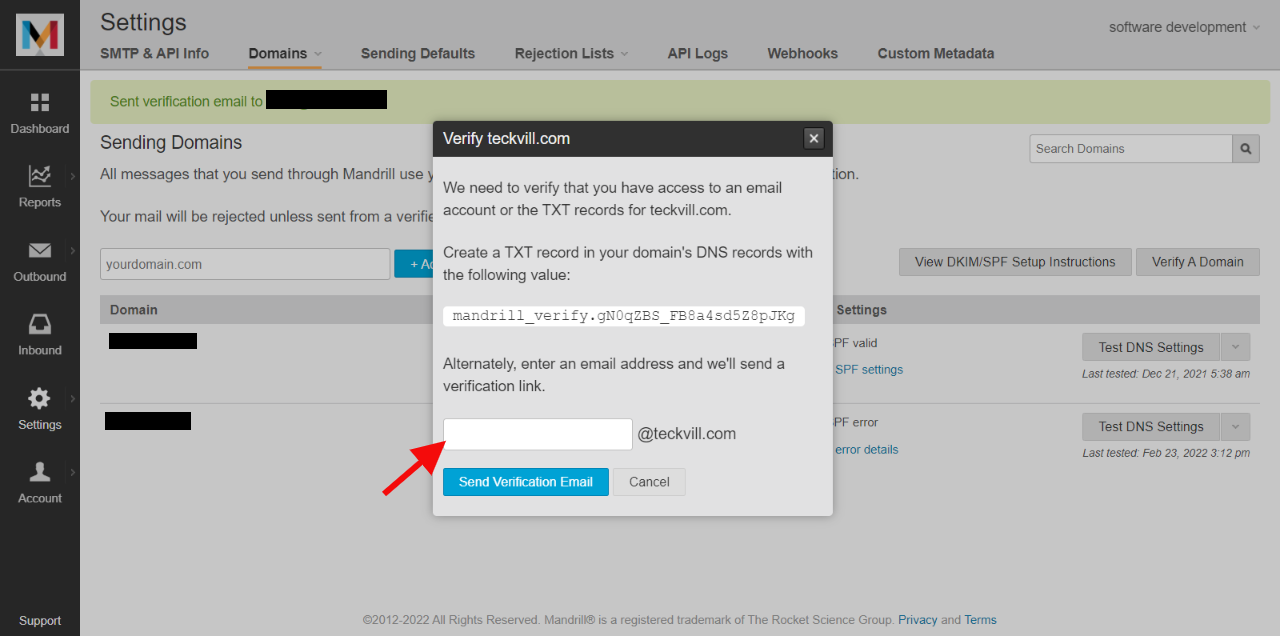
You can also verify your domain by clicking View details then enter email and you’ll receive an email to your domain.
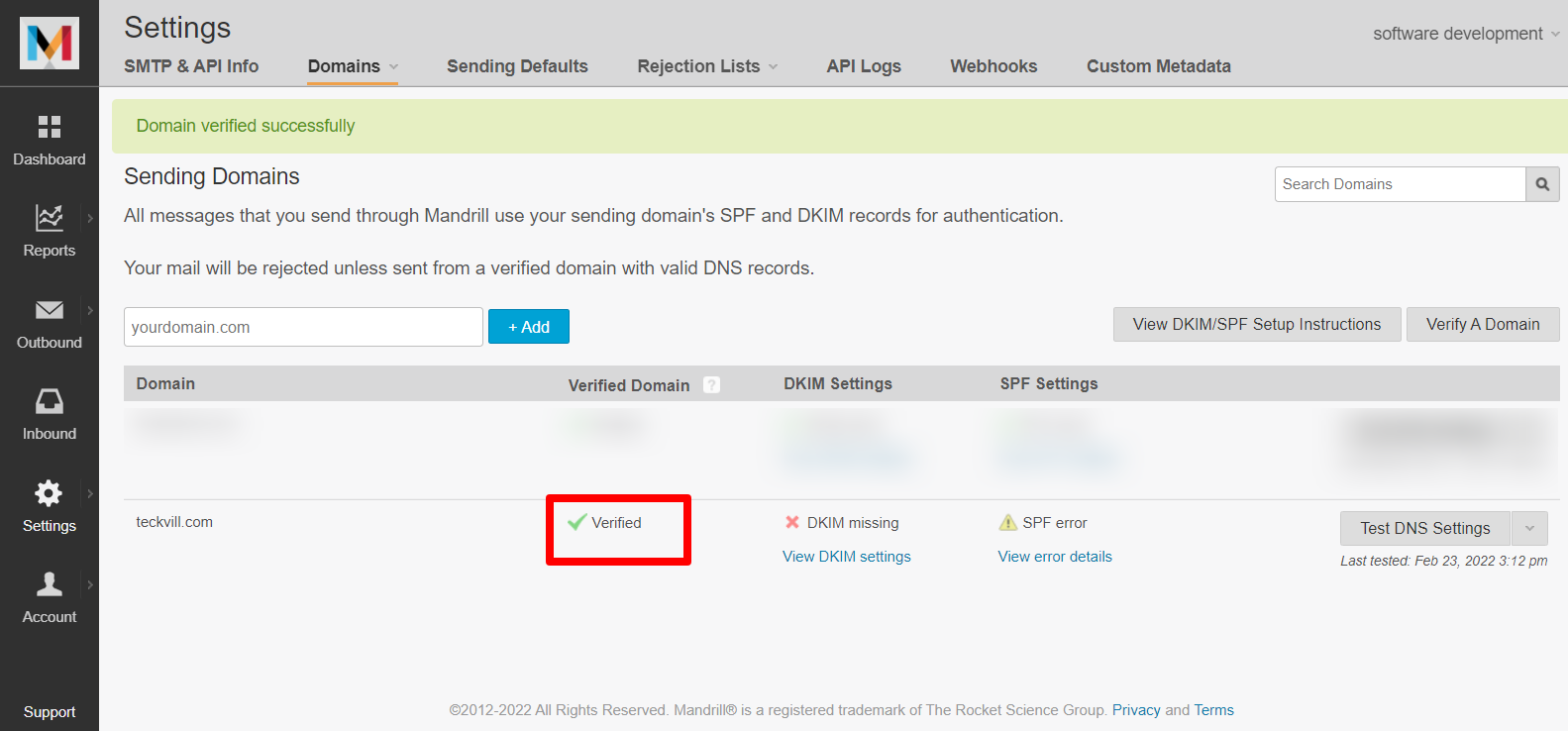
Domain verified
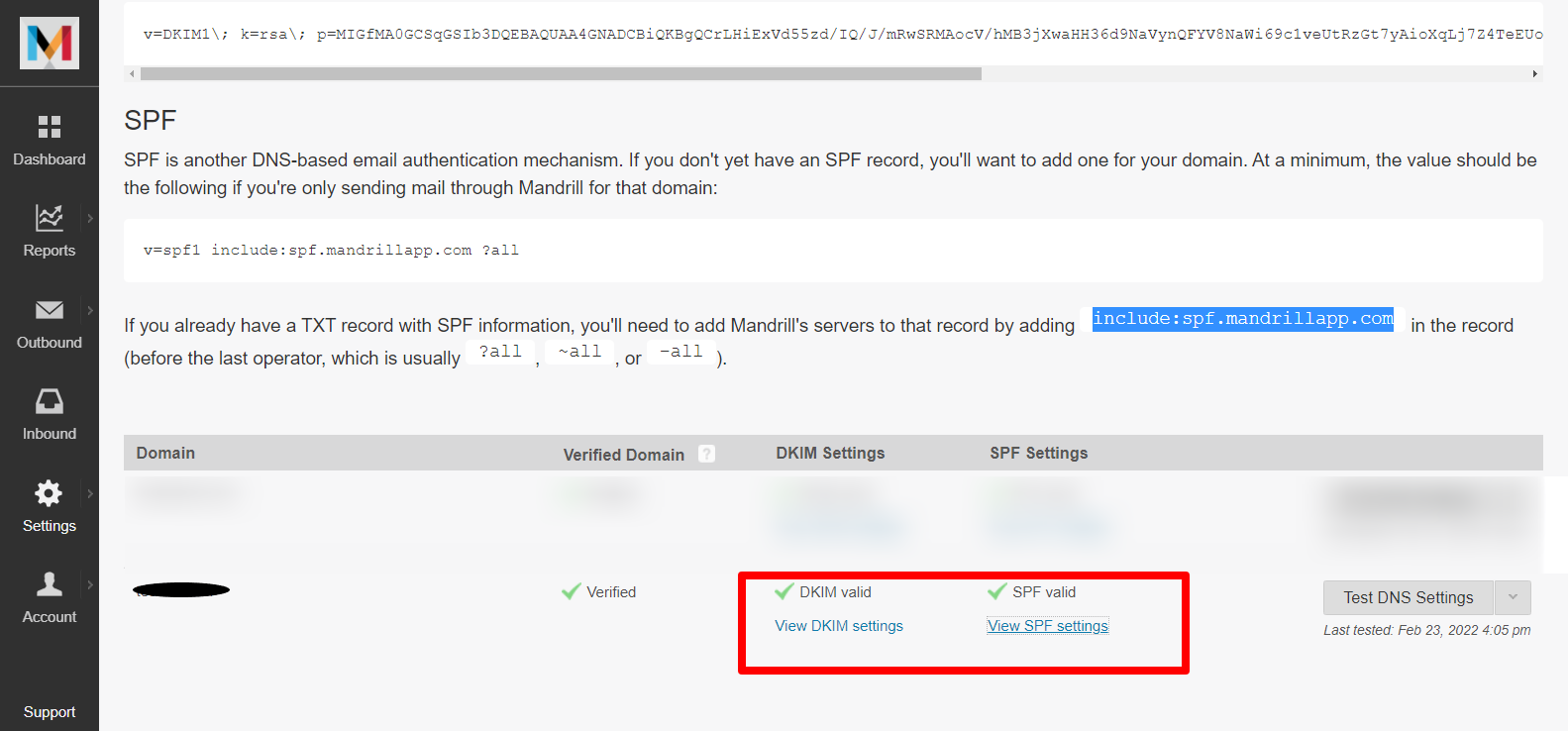
Step 5: Update your DNS records for your domain host. Follow Mailchimp/Mandrill’s instructions to learn more.
kindly follow this link on how to update your DNS record for NameCheap